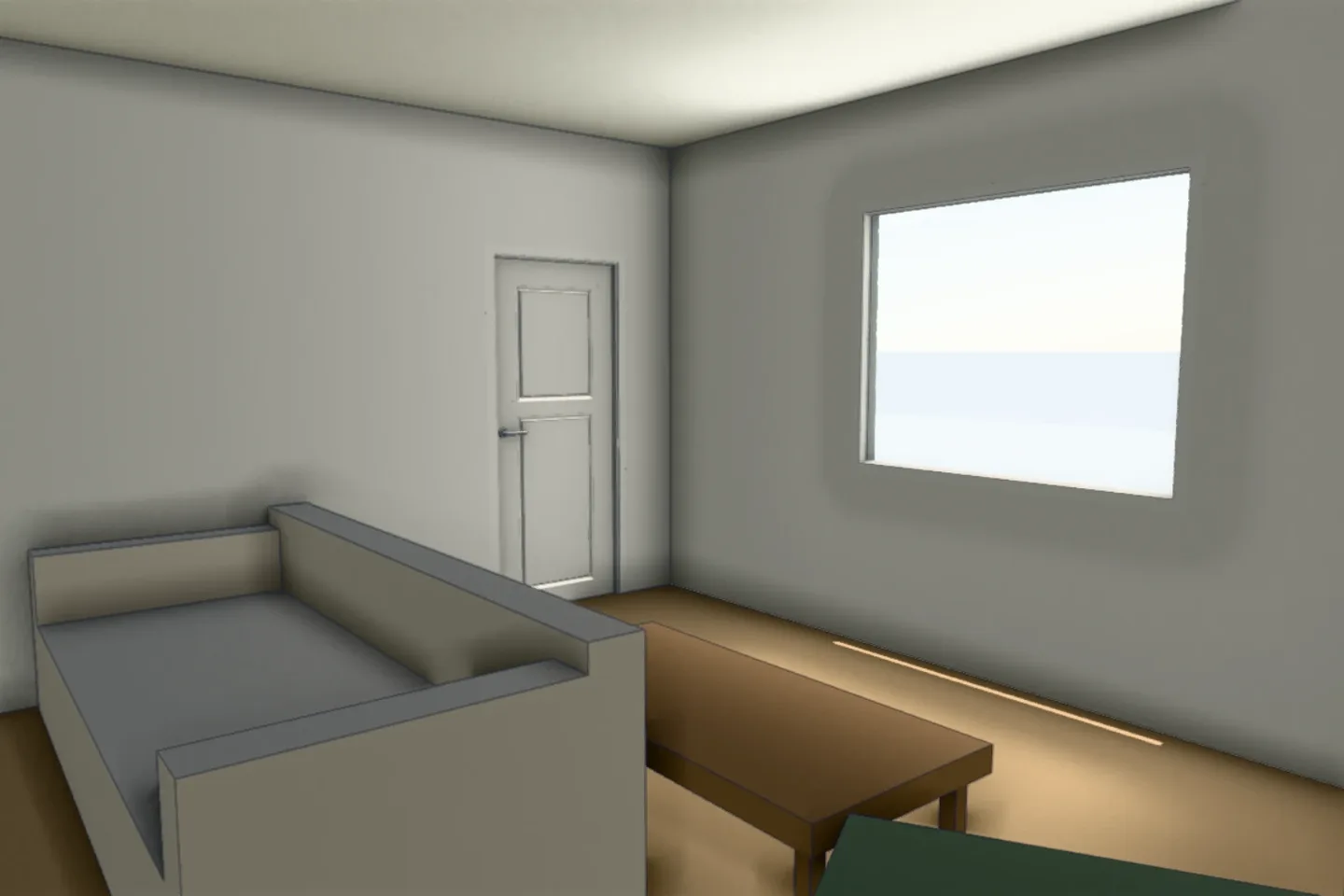
Walk mode puts you inside your 3D room at eye level so you can check that a 36-inch path stays clear, a wardrobe door clears the bed and the window is visible from the sofa, before you buy anything; it is free, and a live share link lets anyone walk the same room without an account.
What to test in walk mode
| Check | Target | Why |
|---|---|---|
| Main path | 36 inches clear (more is better) | Comfortable circulation |
| Bed to wardrobe | 30 to 36 inches | Open doors and dress |
| Sofa to center table | 16 to 18 inches | Reach without bumping |
| Dining chair pull-out | 36 to 44 inches behind chairs | Seat and move |
| Kitchen aisle | 42 to 48 inches | Open appliances and pass |
Steps
- Create or scan the room and mark the doors and windows.
- Place the furniture you own or plan to buy at real sizes.
- Open walk mode and tap the floor to move.
- Check each target above.
- Share the live link with your contractor or partner.
Limits
Furniture is shown as blocks at real size unless you import a GLB model, and dimensions are estimates until you confirm them. Always measure on site before ordering.
Keep planning
Frequently asked questions
Is walk mode free?
Yes; walking a room is available without a paid plan.
Can someone without an account walk my room?
Yes, through a live share link, with no app or account needed.
Does walk mode work on a phone?
Shared links open on any phone, and you tap the floor to walk.
Dimensions are estimates until verified. Measure on site before ordering.