
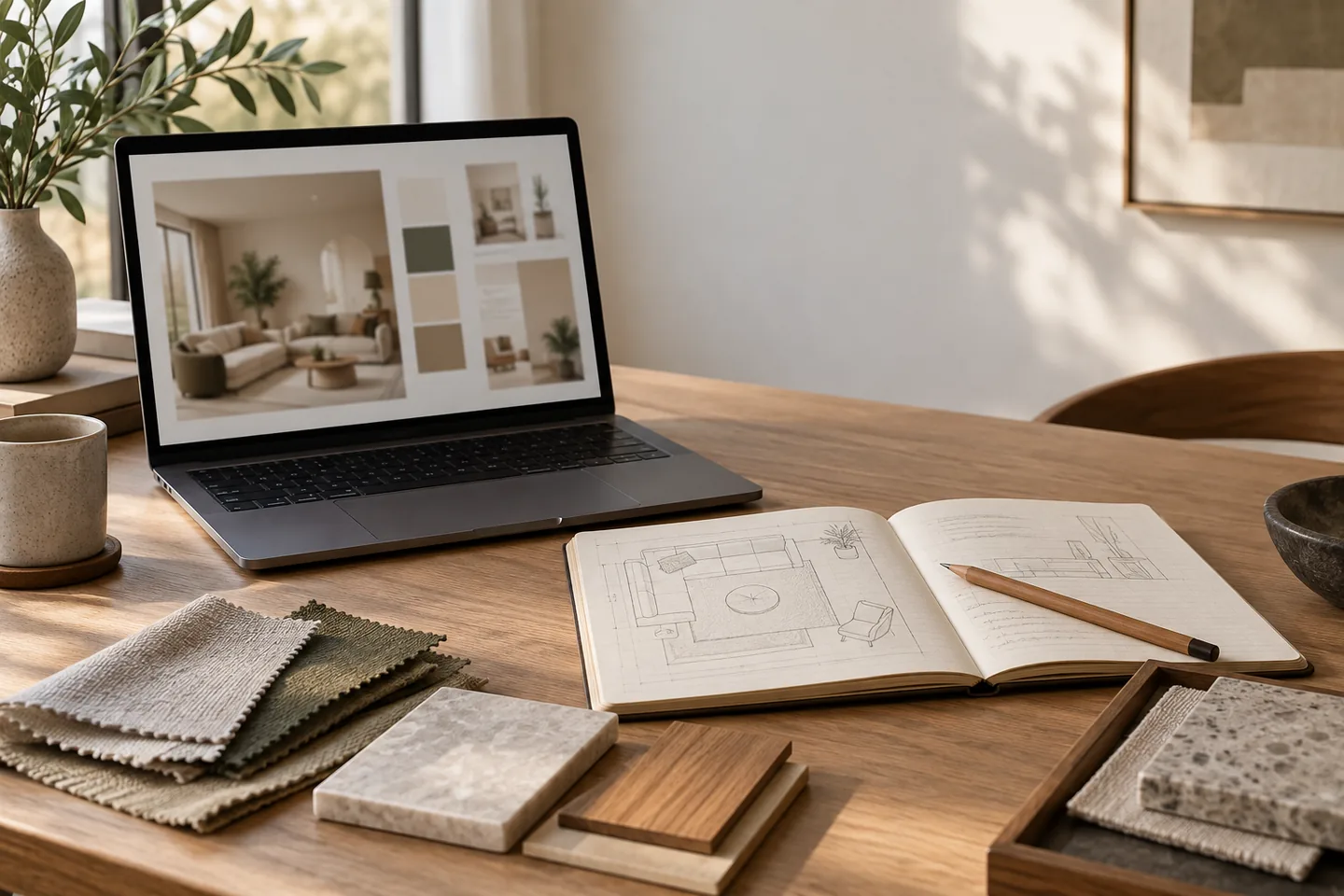
Think of a prompt as a brief
A useful prompt has six parts: room, fixed elements, style, materials, light and mood. Write in plain sentences rather than a long list of keywords, and say what must not change as clearly as what should. One idea per prompt is much easier to judge than five ideas competing at once.
This is the same discipline you would use briefing a designer. The tool has no memory of your house, so the brief is the only context it gets.
Describe the room and its fixed elements
Name the room and its constraints: small, narrow, low ceiling, one window, alcove, radiator. List what must stay, including the door position, the window, the fireplace, built-in storage and the flooring. Mention what you want to keep visually, such as the original floor or the wall color.
- Use any preserve or keep-existing control the tool offers, and repeat the same instruction in the prompt.
- Include measurements only as notes to yourself; the render is not a measured drawing.
- Say which walls are visible from the camera position.
- Note anything that is temporary, such as boxes or a borrowed chair.
Be specific about style without naming brands
Describe the qualities you want: calm, warm, minimal, textured, collected or tailored. Style labels help as a starting point, but combine them with details so the result is not generic. Avoid brand names and exact product replicas, because the tool cannot reproduce them accurately and the result becomes an imitation rather than a design.
Ask for one direction at a time, then compare directions side by side. Two honest comparisons are worth more than ten renders that were never built into a decision.
Name materials, colors and finishes
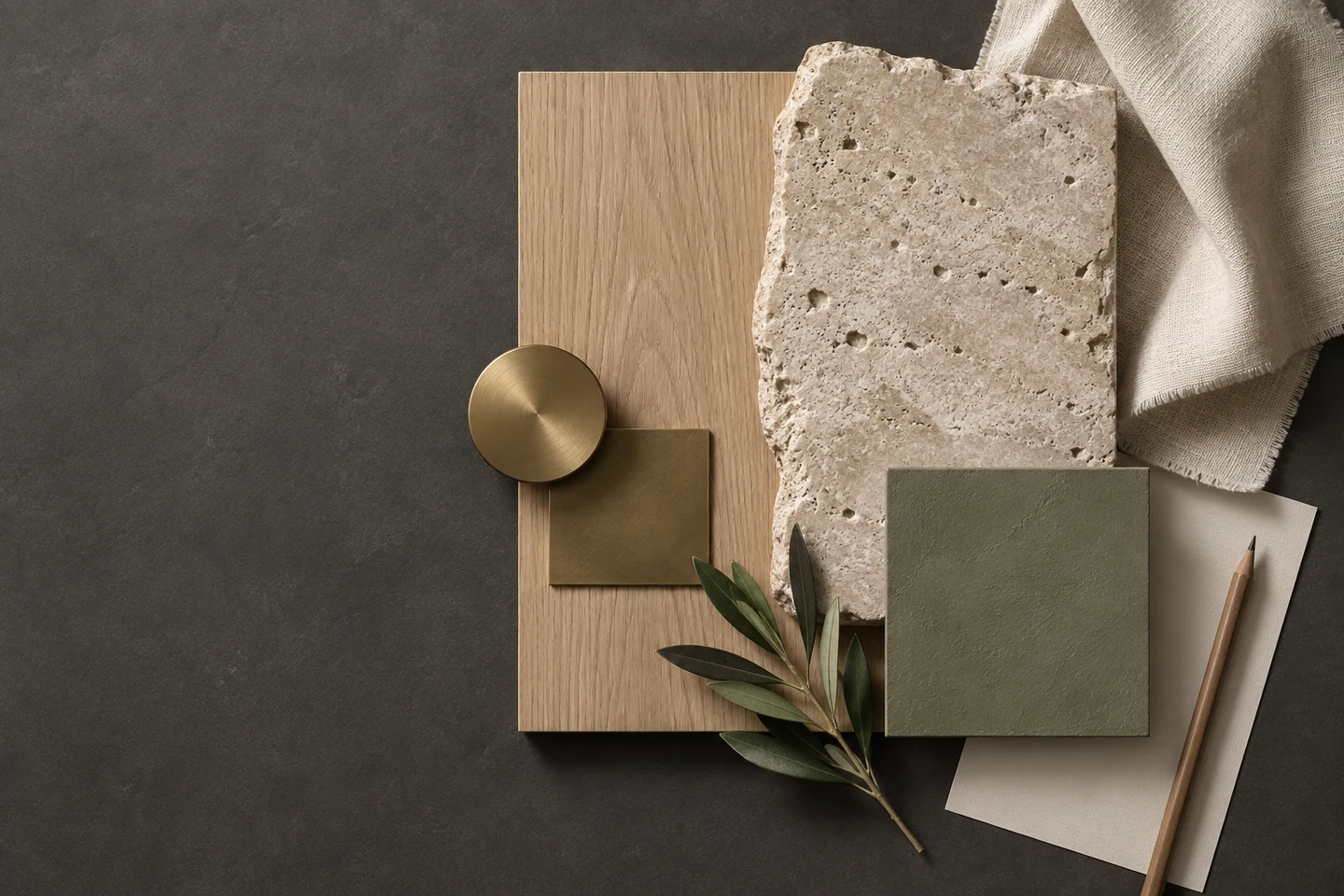
Materials such as light oak, matte ceramic, aged brass, wool boucle or honed stone give the tool something specific to work with. Colors should be named the way you would describe them to a painter: warm white walls, sage green cabinetry, terracotta accents. Finishes matter as much as hue, so say matte, satin, brushed, natural or honed.
Mention the palette balance as well: mostly neutral with one accent, a two-tone scheme, or a darker lower half with lighter walls above. That one sentence fixes most of the ambiguity in a render.
Describe the light
Say where the light comes from: morning light from the left, soft overcast light, warm evening lamps. Ask for natural light if you want to judge how the design behaves in daylight, and mention layered lighting if you want to see ambient, task and accent light together.
Avoid dramatic sunbeams if you want a realistic read of the room. The render should help you decide, not flatter the design.
Set the mood and the camera
Words like calm, airy, grounding, hotel-like or family-friendly set the atmosphere, and the camera angle sets the composition. Ask for a straight-on, eye-level wide shot if you need to see the whole layout, or a corner view if you want to test circulation. Keep the mood consistent across iterations so the comparison stays fair.
If a render feels close but not right, change one variable: the light, then the palette, then the details. Changing everything at once makes it impossible to know what worked.
Iterate in a deliberate order
Get the layout right first, then the palette, then the details. Save the prompts that produced good results and reuse the structure, because a prompt that works is a template you can adapt. Stop when the design answers the practical constraint, not when it looks impressive.
Finally, write the decisions down as you go. The render that convinced you is easy to forget, and the notes are what you will take to the store, the painter or the contractor.
Frequently asked questions
How long should an AI interior design prompt be?
Three to six clear sentences are usually enough. Cover the room, what must stay, the style, the materials, the light and the mood, then iterate with small changes.
Can AI follow exact dimensions?
Treat any render as a visualization rather than a measured drawing. Use dimensions to check your plan separately and confirm that furniture and clearances work in real life.
Why do my renders look generic?
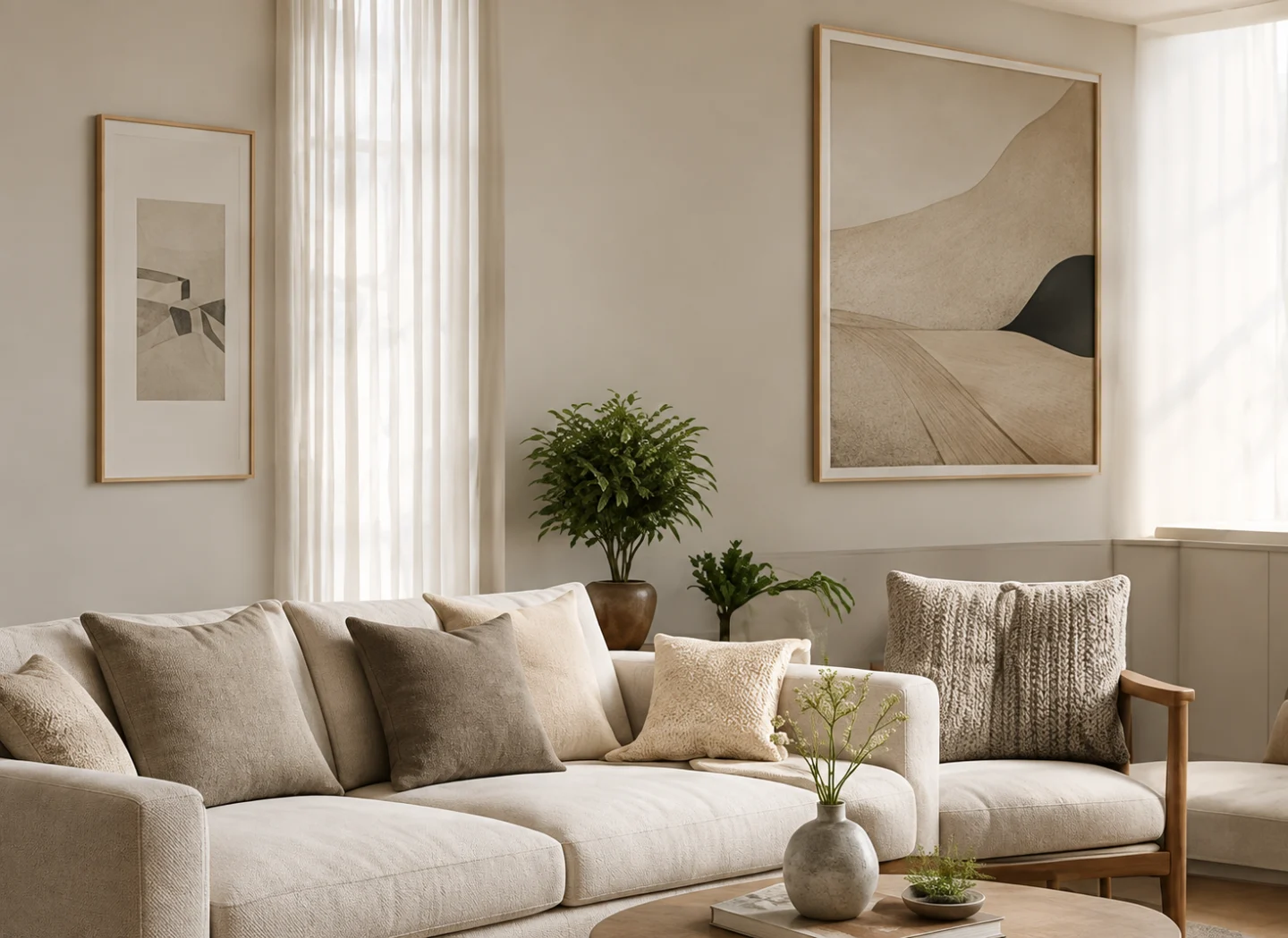
Generic results usually come from generic prompts. Naming specific materials, the light direction, the color balance and what must stay gives the tool enough to make the result feel like your room.
The prompt is the design brief. Write it the way you would brief a person: constraints first, then direction, then detail, and judge the result against what you can actually build.
This article is general guidance. Results vary by tool and photo; use the studio's own controls and previews alongside any prompt advice.