
Why the photo decides the result
AI redesign tools use your photo as the source of geometry, light and materials. A tight angle, heavy shadow or cluttered surface pushes the tool toward invention instead of redesign, and the result looks convincing while being wrong about your room. A good source photo makes the output useful and makes it easier to compare iterations honestly.
You only need to get it right once. The same photo can support many styles, palettes and layout tests, which is why the ten minutes you spend behind the camera is the highest-value part of the whole process.
Choose the right time of day
Shoot in daylight with the curtains or blinds open, and avoid mixing daylight with warm lamps where you can. Direct sun patches on the floor can blow out the exposure, so photograph a bright room before the sun streams in or after it has moved on. If the room is genuinely dark, turn on ceiling lights but keep the color temperature consistent.
- North-facing rooms are usually easiest in the morning or on a bright overcast day.
- South-facing rooms are easier when the sun is not coming straight through the window.
- Turn off decorative lamps and fairy lights unless the room needs them to be visible.
- If you must shoot at night, use as many matching bulbs as possible.
Stand in the right place
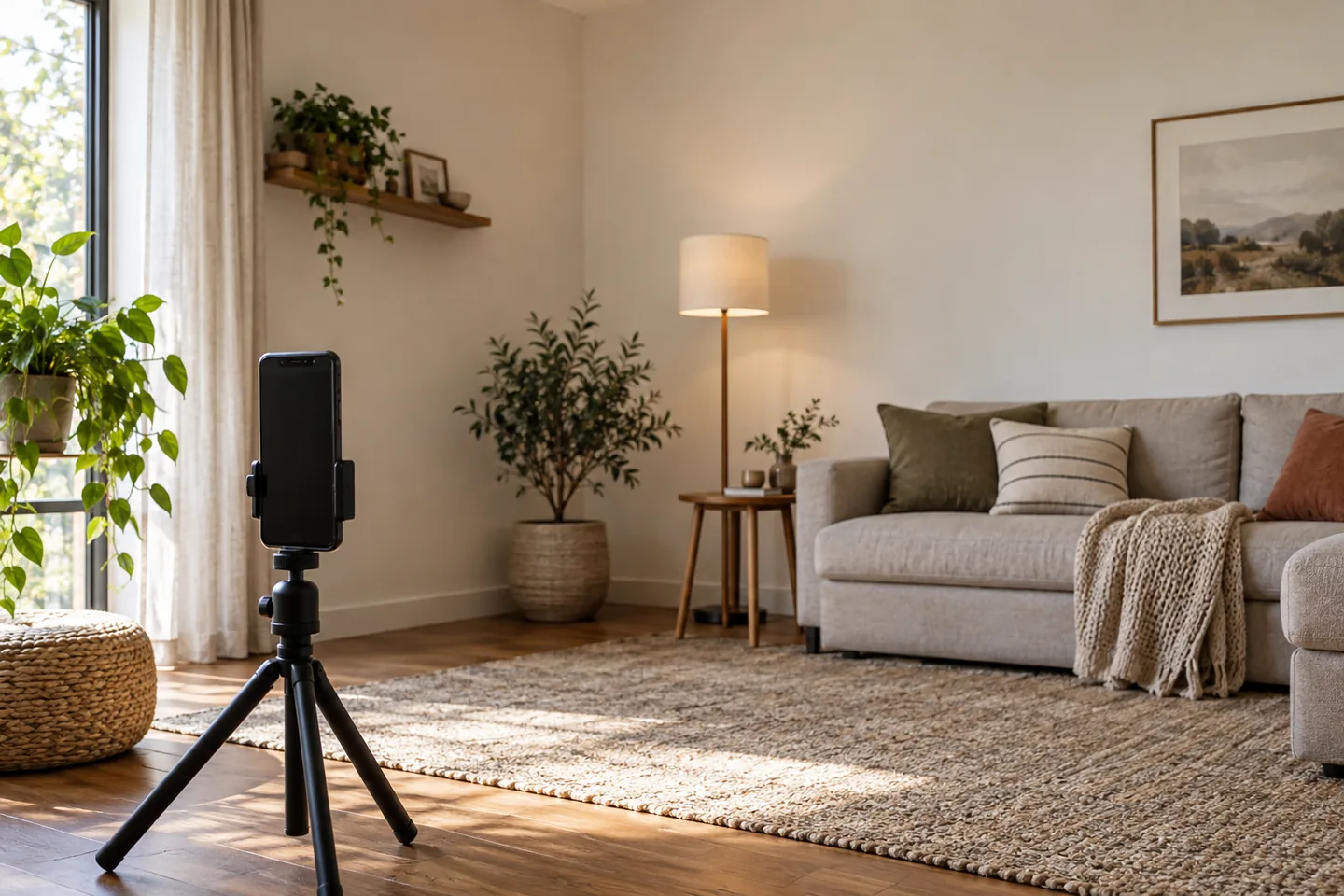
Frame two walls and the floor so the tool understands the room's shape. Stand at a corner or doorway rather than in the middle of one wall, and keep the camera at chest height and level, because a tilted phone makes vertical lines lean. Include the fixed elements that cannot move: windows, doors, radiators, fireplaces and built-ins.
If the room has an awkward corner, that is exactly the corner worth showing. The redesign is most useful when it solves the problem you actually have, not a flattering angle of it.
Phone settings that help
Use the main camera rather than an ultra-wide lens to reduce distortion. Turn the grid on so you can keep the horizon and verticals level, and turn off heavy HDR, portrait mode and filters because they change the colors the tool has to read. Clean the lens; a smudged phone is the most common cause of hazy images.
Shoot at the highest resolution your phone offers and avoid digital zoom. If you cannot fit the room in the frame, move back rather than zooming, even if it means shooting through a doorway.
Tidy without emptying
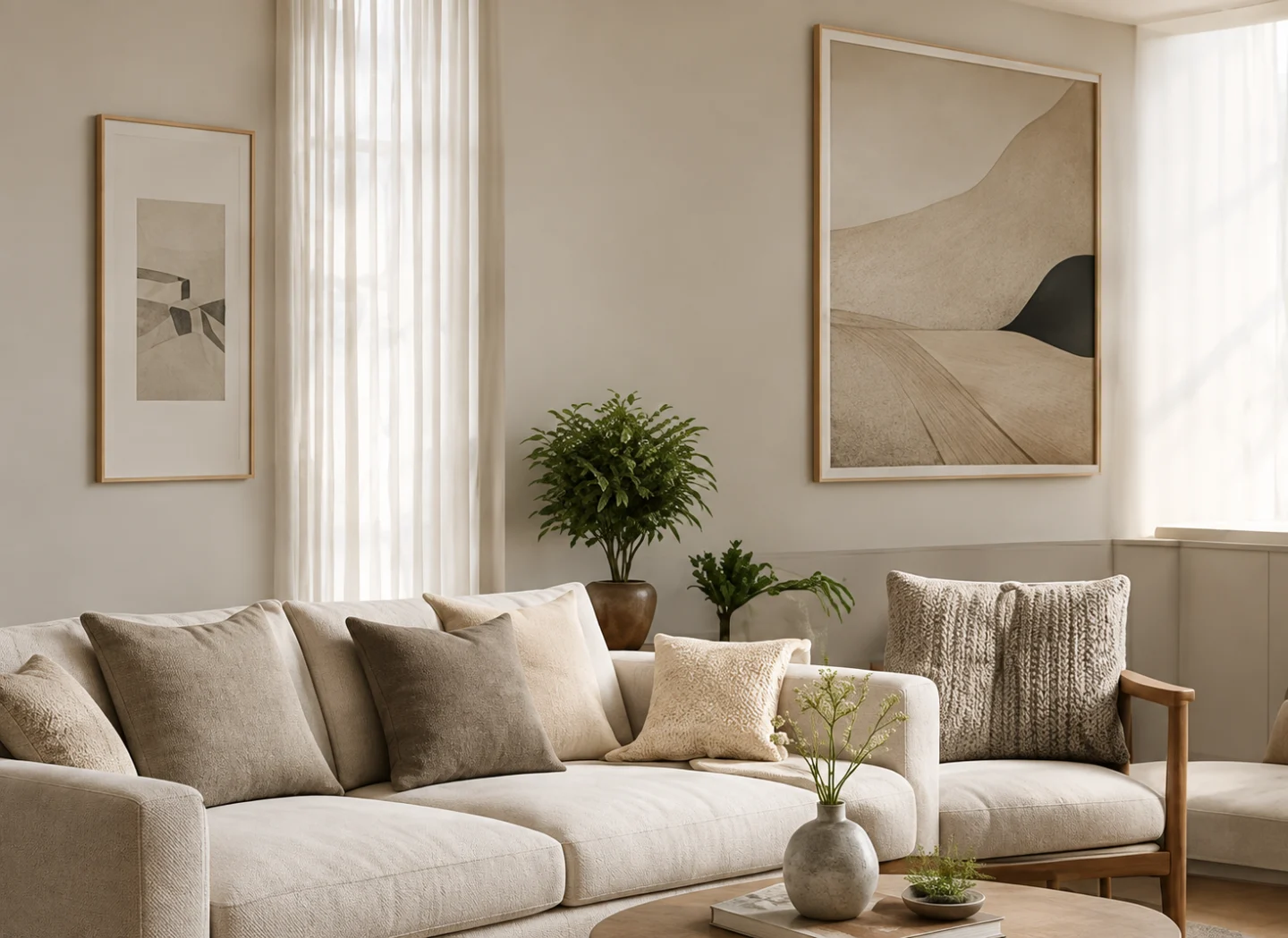
Remove small clutter that would be redrawn as strange objects: cables, dishes, bins and laundry. Keep the furniture you plan to keep so the redesign can respect scale and placement, and move anything that blocks a door or window in the frame. Do not worry about perfection; rooms look lived in, and that is fine.
One useful habit is to photograph the room before and after tidying. The first image shows what you want to solve, and the second gives the tool a cleaner source. Comparing the two also keeps you honest about how much of the problem was clutter.
Take more than one photo
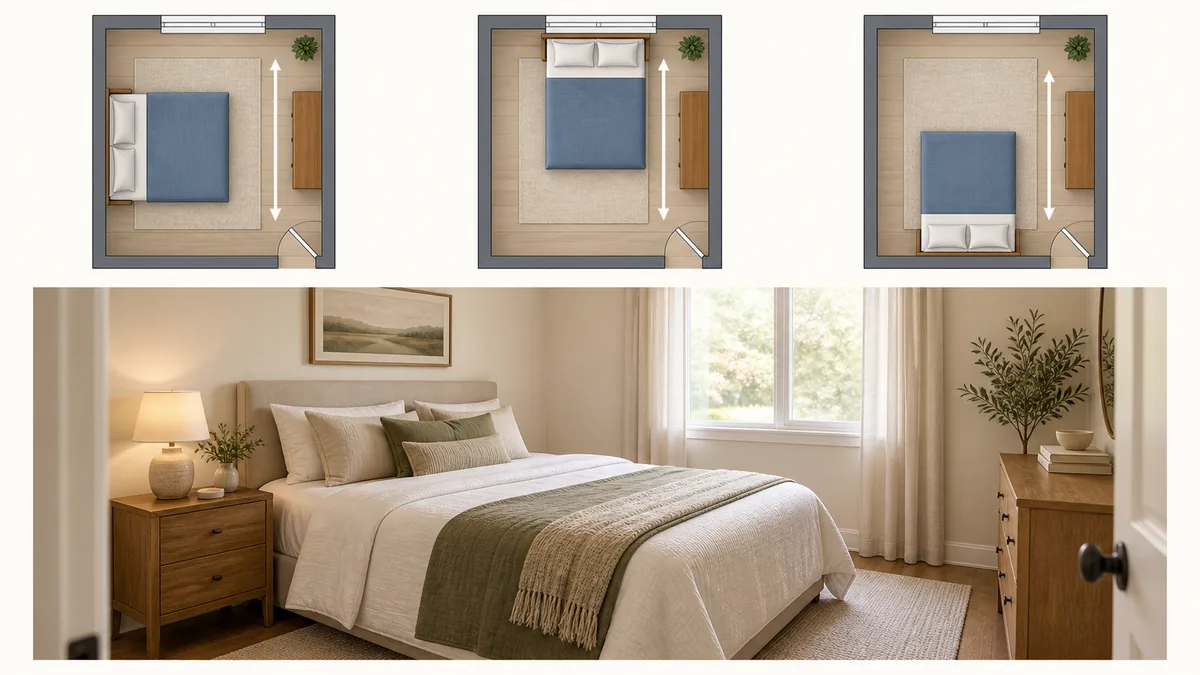
One wide shot of the whole room, plus one shot toward each important wall, gives you options. Add a shot of the problem area and a photo of the floor and ceiling if either is changing. Keep the set together so you can compare which angle produces the best redesign.
When you upload, start with the clearest wide shot. If the result is not working, try the same prompt with a different angle before you rewrite the prompt; sometimes the photo is the variable, not the words.
What to avoid
Avoid screens, mirrors and glossy surfaces that reveal the photographer, zoomed crops that lose the information the tool needs, and photos taken from outside through a window. Keep other people out of the frame, and do not photograph a room that has already been rearranged in a way you intend to change.
Finally, avoid judging the result against the photo as a test of accuracy. The render is a proposal; you are asking whether the direction is worth pursuing, and the photo is simply the starting point.
Frequently asked questions
Do I need a wide-angle lens for room photos?
No. A standard phone camera is usually better because it distorts less. Stand further back, include two walls and keep the phone level rather than switching to an ultra-wide lens.
Can I use an old photo of my room?
Yes, if it is clear, well lit and shows the room's fixed features. Older photos work as long as the layout has not changed; if it has, take a fresh one so the redesign matches the room you have.
Should I photograph the room at night with the lights on?
Daylight is easier for the tool to read. If you must shoot at night, turn on as many matching lights as possible so the color temperature is consistent and avoid harsh shadows.
Ten minutes with the camera saves a lot of iterations. Frame the room honestly, light it simply, and describe what cannot change; the redesign will start from a much stronger place.
This guide is general information. Every room and tool differs; check the specific upload guidance in the studio before you start.