
Kitchen Renovation Ideas Without the Renovation Cost
See kitchen renovation ideas visualized with AI. Explore farmhouse, contemporary, and 23 more kitchen styles in your actual kitchen photo before spending.
RoomRenovation.AI Team
Updated February 15, 2026
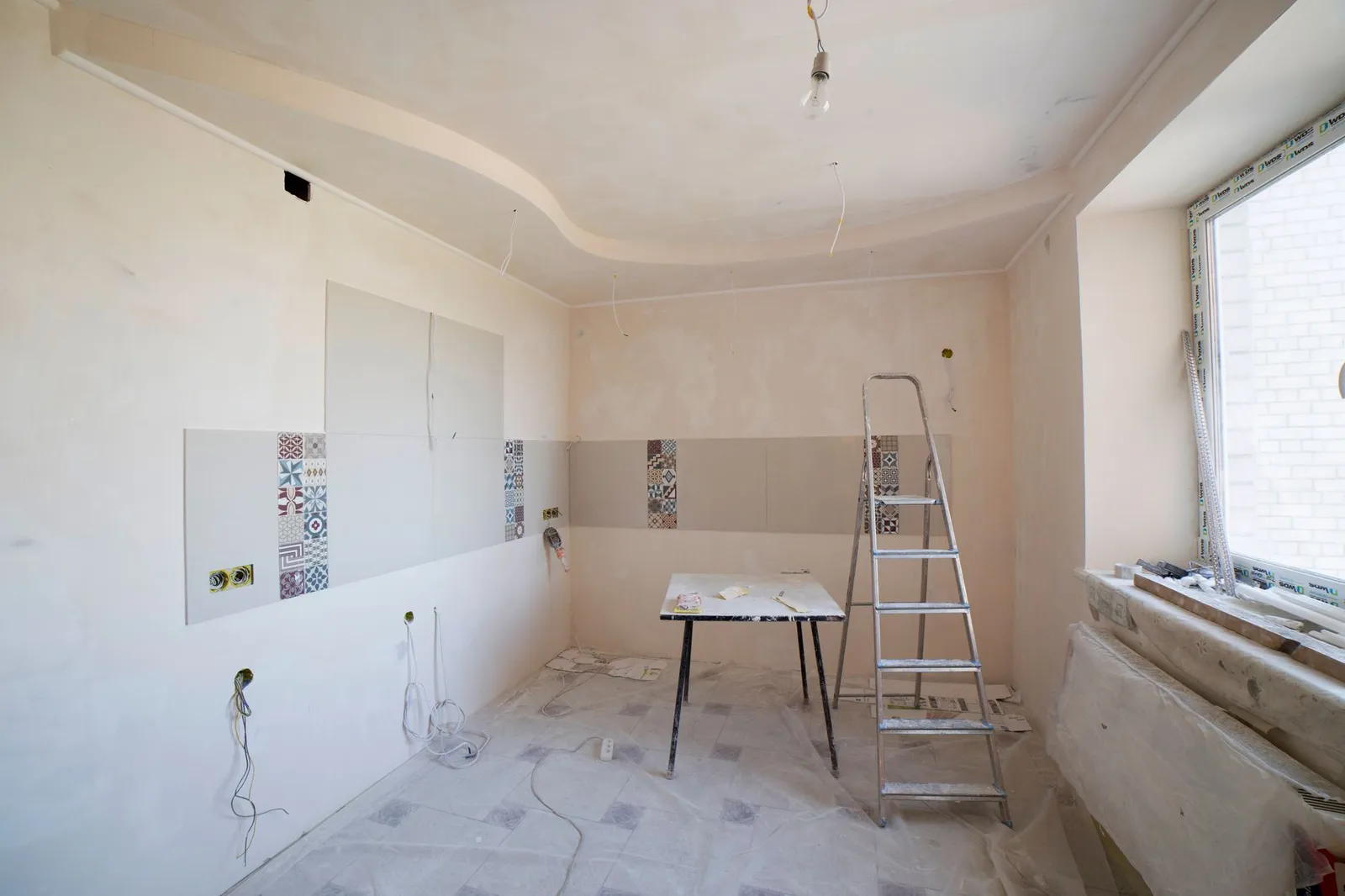
Most people stall on a kitchen project long before a single cabinet comes down. The trouble is rarely a lack of inspiration—it's the opposite. You scroll through hundreds of beautiful rooms, save a dozen, and then freeze, because none of them are your kitchen. Good kitchen renovation ideas only become useful once you can see them applied to your actual layout, your window placement, your awkward corner by the fridge. This guide walks through the styles, materials, and choices worth visualizing first, and how AI rendering lets you test every one of them before you spend a dollar on demolition.
The Real Problem: Too Many Options, No Way to Commit
A kitchen has more visible decisions packed into a small footprint than almost any other room in the house. Cabinet color, door profile, countertop material, backsplash, hardware finish, flooring, lighting—each one interacts with the others. Pick navy cabinets and suddenly your warm oak floor reads differently. Add a marble-look quartz and the brass pulls you loved now feel either perfect or fussy. The combinations run into the thousands, and a paint chip taped to a cabinet door tells you almost nothing about the finished effect.
This is why so many kitchens get renovated twice: once badly, then again to fix the regret. The decision feels permanent and expensive, because it is. A full remodel runs $15,000–$75,000 in 2026 depending on size and finishes, and no one wants to gamble that on a guess.
What usually goes wrong
- Committing to a cabinet color based on a 2-inch sample, then living with it under your own lighting.
- Choosing a backsplash that fights the countertop because you never saw them together.
- Over-renovating—gutting a kitchen that only needed cosmetic work.
- Under-renovating—refacing when the layout itself was the real problem.
How AI Visualization Removes the Guesswork
AI room rendering changes the order of operations. Instead of deciding first and seeing later, you see first and decide with confidence. Upload a clear photo of your current kitchen, and the tool re-renders the same space—your same walls, windows, and proportions—in 25 or more distinct styles. You're not looking at someone else's showroom; you're looking at your room, transformed.
This is the fastest way to collapse weeks of indecision into an afternoon. You can compare farmhouse against contemporary side by side, swap a single element, or test a finish you were nervous about. Try it free with one photo and see your kitchen in a new style in under a minute.
Major Kitchen Styles Worth Visualizing
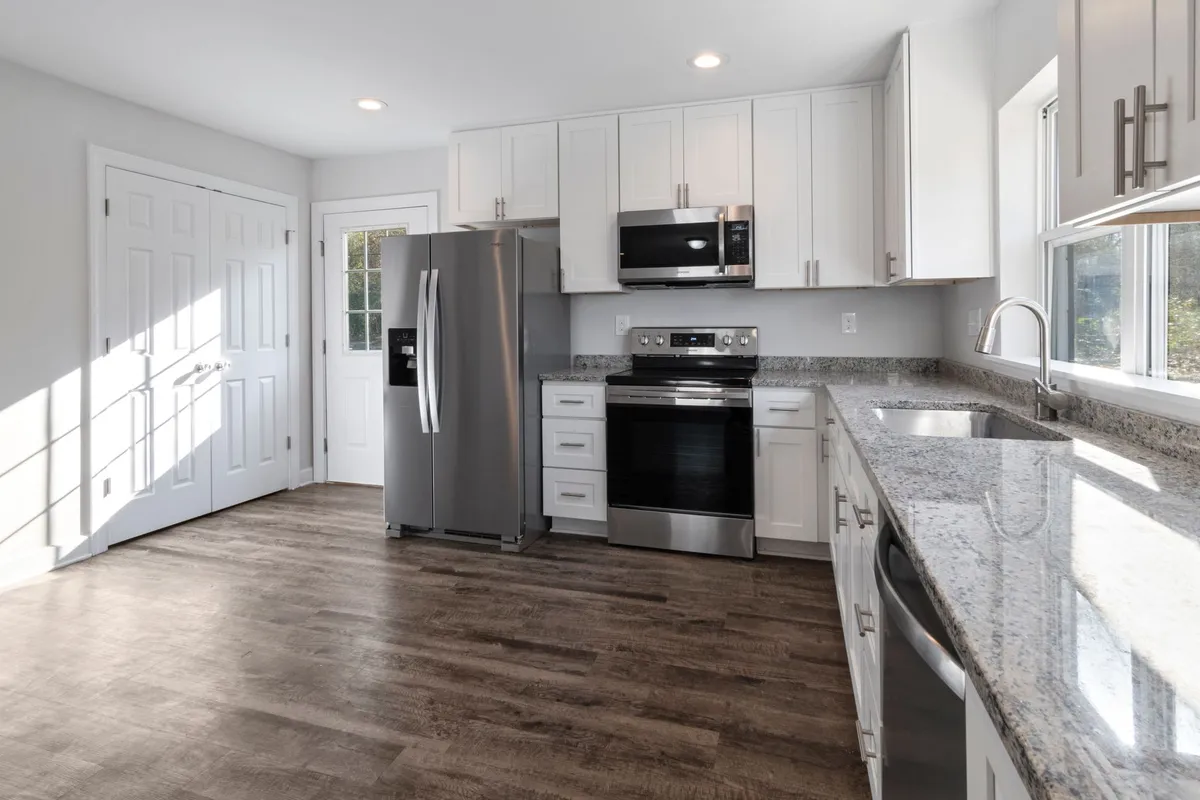
Style is the foundation everything else hangs from. Before you obsess over a single tile, get the overall direction right by seeing your kitchen rendered across the main families. These are the five most worth testing on your actual space.
Farmhouse
- Shaker cabinets, often two-tone with a contrasting island.
- Apron-front sink, matte black or aged brass hardware, open wood shelving.
- Warm and forgiving—works well in older homes and bright, window-heavy kitchens.
Contemporary / Sleek
- Flat-front (slab) cabinets, handleless or with thin linear pulls.
- Continuous countertop runs, integrated appliances, a deliberately uncluttered surface.
- Best in spaces where you want the kitchen to recede into the architecture.
Scandinavian
- Pale woods, white or soft-gray cabinets, generous negative space.
- Light-maximizing—ideal for north-facing or smaller kitchens.
- See the full look at our Scandinavian style gallery.
Industrial
- Darker palettes, metal accents, concrete or butcher-block surfaces, exposed shelving.
- Pairs beautifully with brick, loft ceilings, or black-framed windows.
Transitional
- A balance of traditional warmth and modern restraint—the most popular default for resale.
- Shaker or recessed-panel doors, neutral stone, mixed metals kept tasteful.
- The safest bet when you're unsure, and easy to compare against bolder options in a minimalist treatment.
Cabinet Decisions: The Single Biggest Visual Lever
Cabinets occupy more visual real estate than anything else, and they're the most expensive single element to get wrong. The good news is you can reface rather than replace if the boxes are sound—cabinet refacing runs $4,000–$12,000 versus the cost of new custom cabinetry, which can consume half a full remodel budget.
Three choices dominate the decision, and each completely changes the room's personality:
- White shaker. Timeless, bright, and resale-friendly. Reads clean but can feel expected.
- Flat-front navy. Modern and confident, especially on a lower run or island with lighter uppers. High impact, slightly riskier.
- Natural wood. Warm oak or walnut grain is back in a big way—organic, tactile, and forgiving of everyday wear.
This is exactly the kind of choice where rendering pays off: see all three on your cabinets, under your light, before committing. Browse what's possible in our kitchen examples to anchor your expectations.
Countertops: Where Durability Meets Mood
Countertops set the tone of the whole surface plane, and prices vary widely by material. Countertop replacement typically runs $3,000–$9,000 installed for a standard kitchen. The four options worth visualizing:
- Quartz. The practical default—durable, non-porous, and available in convincing marble-look patterns.
- Butcher block. Warm and affordable, ideal for farmhouse and Scandinavian kitchens; needs occasional oiling.
- Concrete. Industrial and custom; heavy, characterful, and best on islands.
- Marble-look. The drama of real marble without the staining anxiety—usually a quartz or porcelain slab.
Backsplash: Small Surface, Outsized Impact
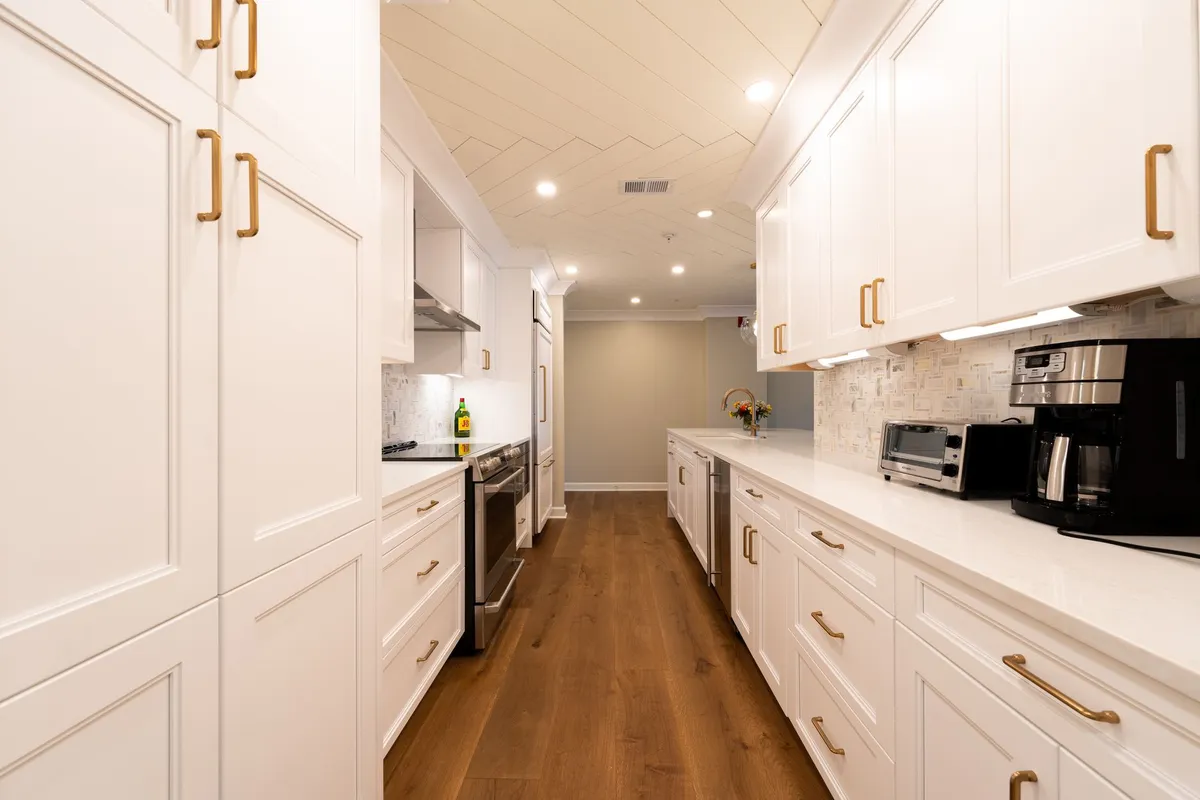
The backsplash is one of the cheapest ways to shift a kitchen's whole character, which makes it perfect for visualization—small budget, large effect.
- Subway tile. Endlessly versatile; the grout color and tile layout (stacked vs. offset) do more than the tile itself.
- Zellige. Handmade Moroccan tile with irregular glaze and depth—adds craft and warmth, especially behind a range.
- Slab. Running the countertop material up the wall for a seamless, high-end continuous look.
Lighting: Transform the Room Without Gutting It
If your layout works and your cabinets are sound, lighting is often the highest-return change you can make. It's frequently the difference between a kitchen that feels dated and one that feels designed—without touching plumbing or moving a single wall.
- Swap a single flush-mount fixture for layered lighting: pendants over the island, under-cabinet strips, and recessed cans.
- Under-cabinet LEDs eliminate shadowy counters and instantly make finishes look more expensive.
- Statement pendants in a warm metal can carry the entire style of the room.
Renovate or Refresh? Use AI to See Both Paths
Here's the question worth answering before spending anything: does your kitchen need a renovation, or just a refresh? The honest answer is often less work than you fear.
- Cosmetic is enough when the layout functions, the cabinet boxes are solid, and you mainly dislike the color, counters, or lighting. Reface, replace the countertop, redo the backsplash, and relight—often under $20,000.
- A full renovation is justified when the layout itself fights you: too little counter space, a closed-off wall that should open to the living area, or failing cabinets that can't be salvaged.
Rendering lets you test both paths visually. Render the cosmetic version and the gutted, reconfigured version, then compare them against the cost difference. Seeing a $15,000 refresh next to a $60,000 remodel often makes the decision obvious. Compare the cosmetic and full-remodel paths against real numbers in our kitchen renovation cost breakdown, and browse finished transformations in the examples gallery for reference.
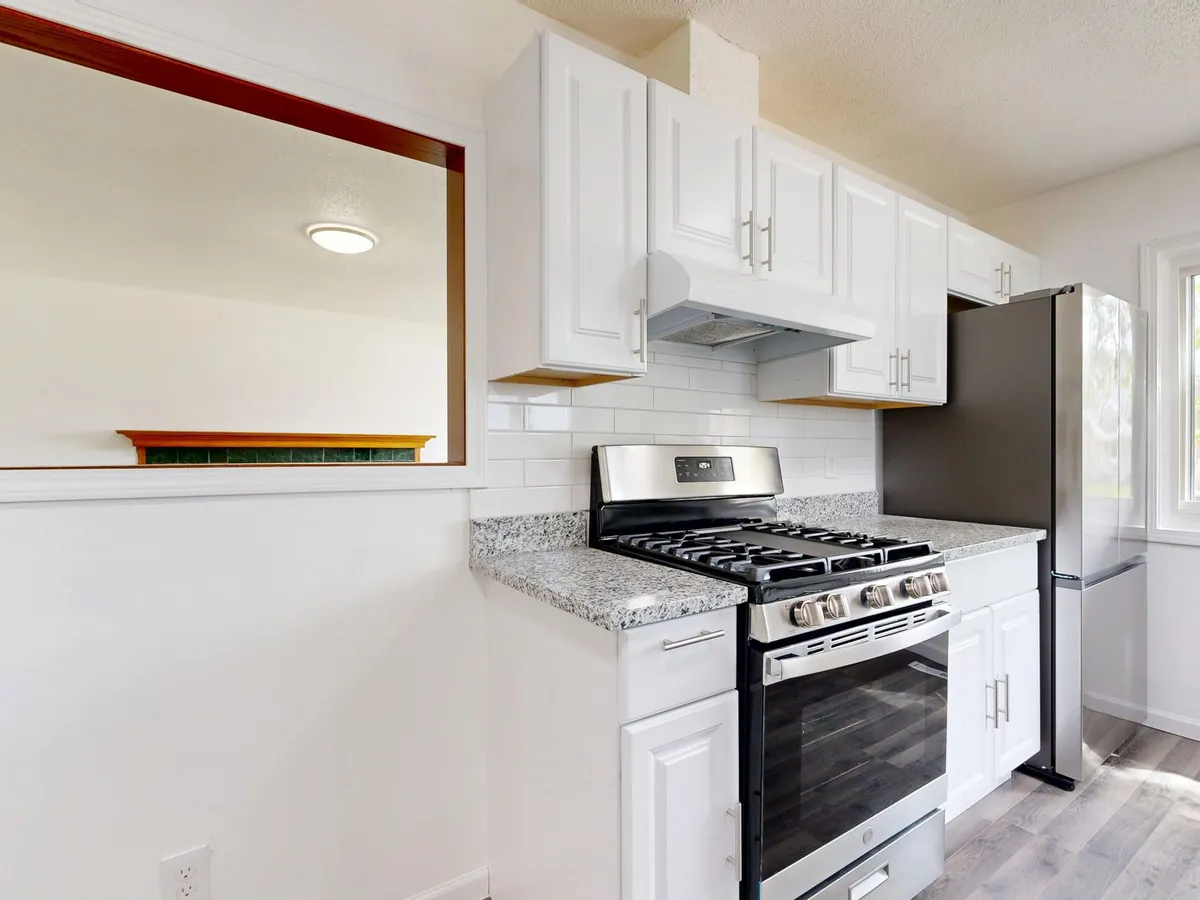
The whole point is to make the expensive, permanent decision feel reversible while it's still cheap to change your mind. Start rendering your kitchen and see your options before you commit to a single one.
Frequently Asked Questions
Q: Can I visualize just one element, like the cabinets only? Yes. You don't have to redesign the entire room to see a single change. Render your existing kitchen with only the cabinet color or door style swapped, keeping your current counters and floor in place, so you can isolate exactly how that one decision reads in your space.
Q: How accurate is AI rendering compared to the real result? Modern AI rendering preserves your room's actual geometry—window positions, ceiling height, and proportions—so the styled result reflects your space rather than a generic template. It's an excellent guide for color, material, and style direction. Treat it as a high-fidelity preview for design decisions rather than a millimeter-precise contractor drawing.
Q: What if my kitchen is oddly shaped or very small? Irregular layouts are exactly where visualization helps most. Because the render is built from your own photo, it works with galley kitchens, sharp corners, sloped ceilings, and tight footprints rather than against them. You'll see how a light Scandinavian palette opens up a small room, or how dark cabinets behave in a narrow galley, before you commit a budget to finding out.
Q: Do I need professional photos to get a good render? No. A clear, well-lit photo taken on your phone is enough. Shoot from a corner to capture as much of the room as possible, make sure the counters and floor are visible, and avoid heavy backlight from a bright window so the AI has clean detail to work from.