
Virtual Home Staging: How AI Changes Real Estate
How AI-powered virtual staging is transforming real estate marketing. Reduce staging costs by 90% while increasing buyer engagement and faster sales.
RoomRenovation.AI Team
Updated February 20, 2026
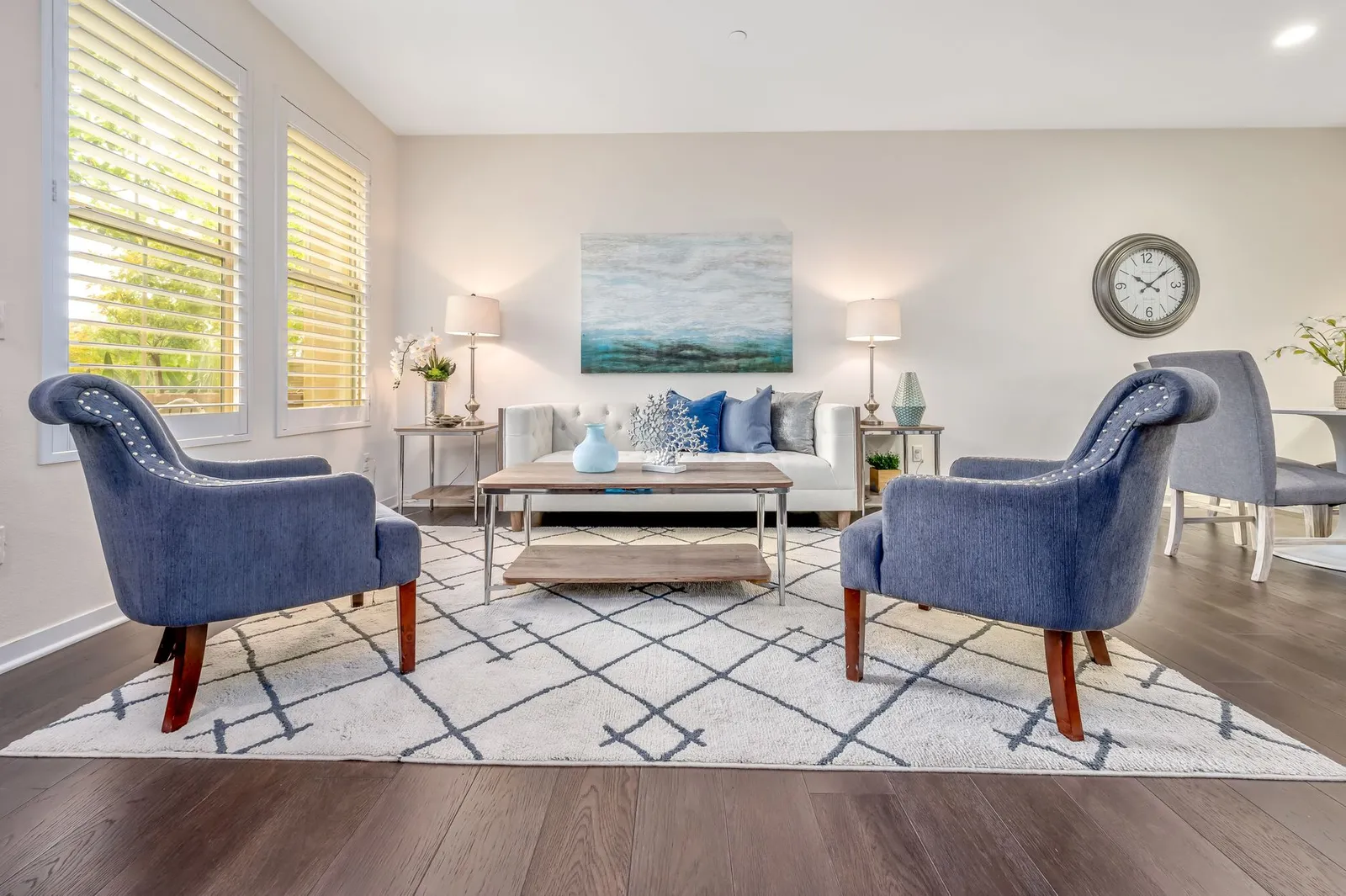
Virtual home staging powered by AI has fundamentally changed the economics of real estate marketing — what once cost $2,000–$6,000 per property in physical furniture rental and logistics now costs a fraction of that, can be completed overnight, and can present a home in five different styles simultaneously for different buyer segments. For real estate agents, investors, and private sellers alike, AI staging has shifted from novelty to competitive necessity.
What Is AI Virtual Home Staging?
AI virtual home staging uses generative image models to digitally furnish empty rooms or replace dated existing furniture with photorealistic rendered alternatives. The process is straightforward: you upload a photograph of the empty or unfurnished room, select a design style or specify the aesthetic you want, and the AI returns a render showing the space as a fully furnished, professionally decorated environment.
The quality of leading platforms in 2026 is genuinely impressive. The renders preserve architectural details — window placement, ceiling height, floor type, natural light — while populating the space with appropriately scaled furniture and styling. The result looks like a professional interior photography shoot, not an obvious computer graphic.
The Cost Comparison: Traditional vs. AI Staging
The business case for AI staging is essentially unassailable from a cost perspective:
Traditional Physical Staging Costs
- Staging consultation: $300–$600
- Furniture rental (per month): $1,500–$5,000 depending on property size
- Delivery and setup: $500–$1,500
- Removal: $300–$800
- Total for a 3-bedroom home: $3,000–$8,000+ for a single month
AI Virtual Staging Costs
- Per room render: $5–$25 depending on platform and resolution
- Full property (10–15 rooms): $50–$375
- Unlimited revision styles: Often included at no additional cost
- Turnaround time: Hours, not days
That is a cost reduction of 90–97% for equivalent visual quality. The ROI case is even stronger when you consider that listings with professionally staged photos consistently sell faster and at higher prices — the marketing benefit is the same regardless of whether staging is physical or virtual.
How AI Staging Affects Real Estate Outcomes
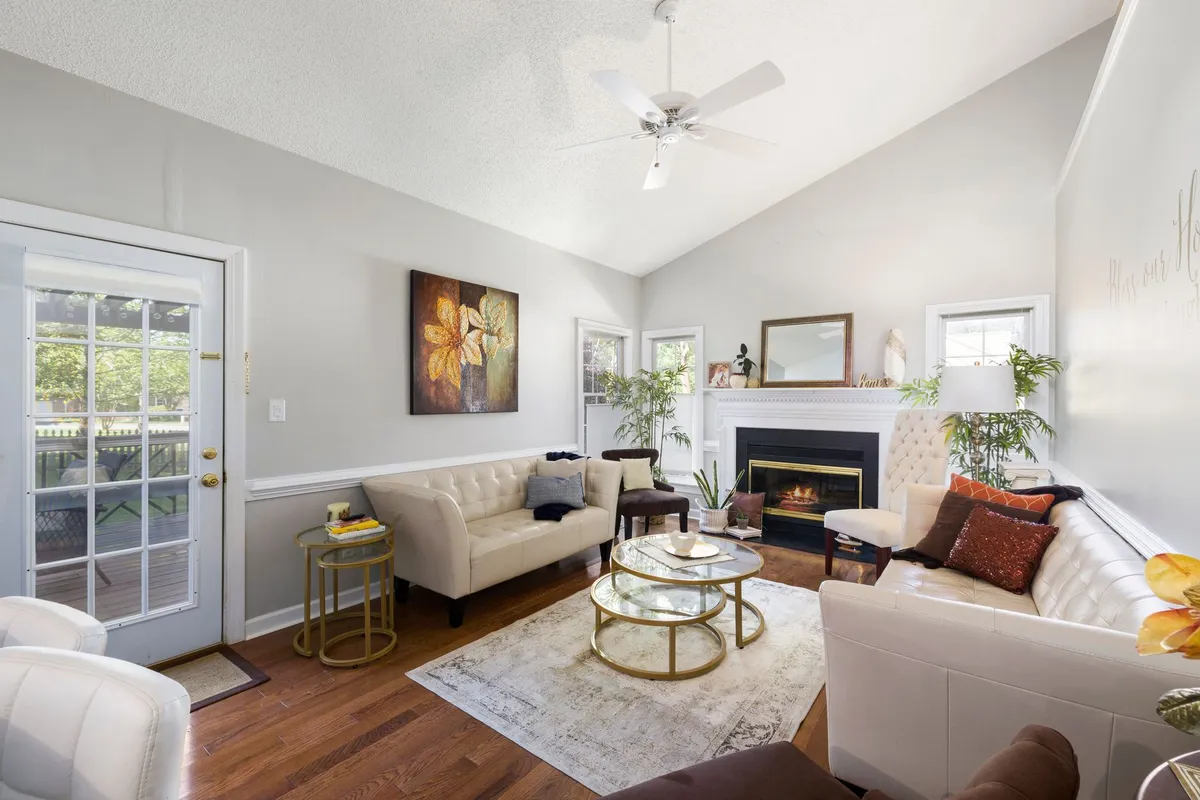
The data on staged listings versus unstaged ones is consistent across markets: staged homes sell faster and command higher offers. The underlying reason is simple — buyers make emotionally driven decisions, and they find it nearly impossible to mentally furnish an empty room themselves. They need to see the potential actualized.
Key benefits AI staging delivers:
- More listing views: Professionally presented listings receive significantly more online clicks than empty-room photos on the same portal
- Faster time-to-offer: Buyers who can visualize living in the space move faster from inquiry to offer
- Higher perceived value: A furnished room implicitly communicates scale and livability in ways an empty room cannot
- Market to multiple buyer types: Generate a modern render and a traditional render of the same room to appeal to different buyer demographics in your listing gallery
Best Use Cases for AI Virtual Staging
Empty New Construction
New construction properties are typically shown completely empty, which makes it genuinely difficult for buyers to gauge room size, ceiling height impact, and how different areas will feel furnished. AI staging is the most cost-effective way to present every room as a finished, habitable space before a single piece of furniture is owned.
Vacant Investment Properties
Landlords listing furnished rentals and investors preparing a flip for sale both benefit from AI staging. It eliminates the logistical burden of temporary furnishing entirely while maintaining the full marketing benefit.
Dated or Occupied Homes
Occupied homes with furniture that's visually outdated or simply not photogenic present a different challenge. AI can virtually remove existing furniture from photos and replace it with contemporary pieces — a particularly powerful technique for listings with 1990s or early 2000s furniture that immediately signals "dated" to buyers browsing listing portals.
International and Remote Buyers
For buyers purchasing without an in-person visit — increasingly common in relocation markets and international transactions — AI-staged photos with multiple design styles allow the buyer to connect emotionally with a space they've never walked through. This reduces hesitation and supports faster remote purchase decisions.
Ethical Standards and Disclosure Requirements
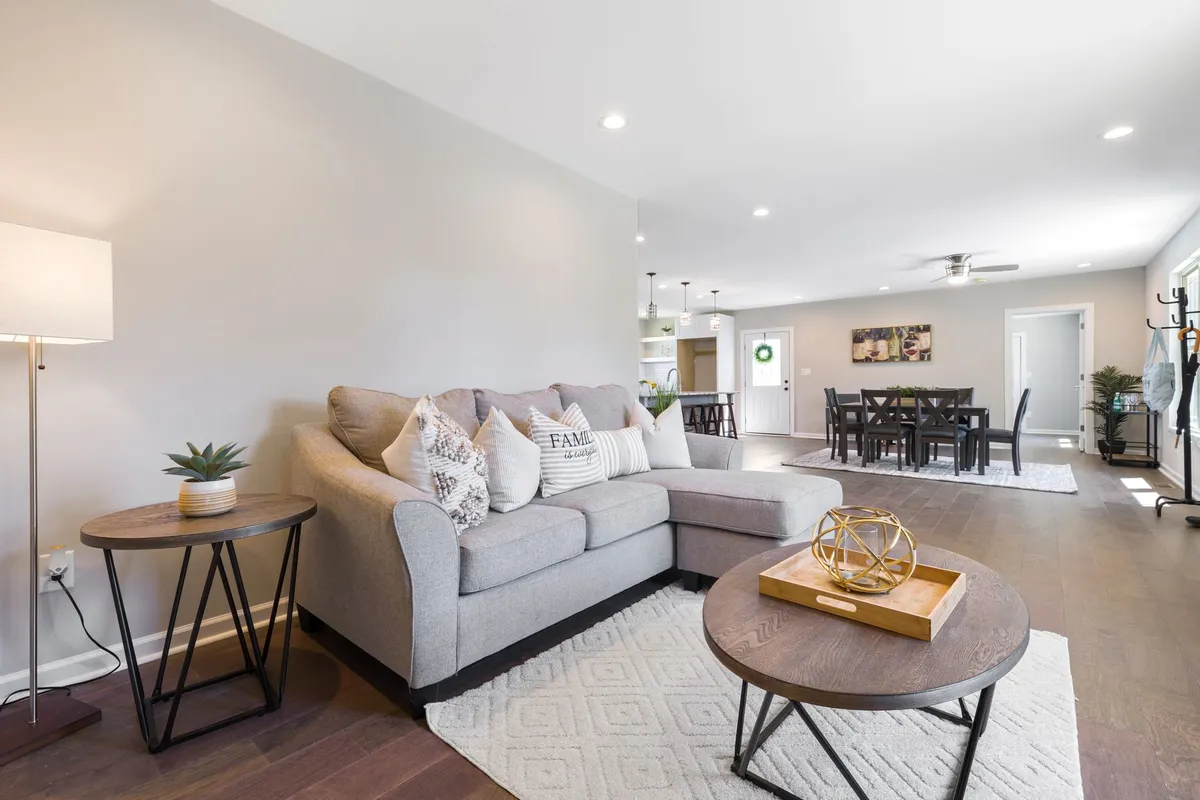
Virtual staging occupies an interesting ethical space in real estate marketing. The industry standard — and in many markets, the legal requirement — is clear disclosure that listing photos have been virtually staged. Best practice is to include the disclaimer "virtually staged" or "digitally staged" directly in the photo caption or listing description.
What is not acceptable: using AI staging to hide structural problems, mask property damage, or misrepresent the physical condition or size of a space. AI staging should enhance the presentation of a genuine space, not deceive buyers about what they will find at a showing. The distinction matters both ethically and legally.
How to Get the Best Results from AI Staging
Practical tips for real estate professionals using AI virtual staging:
- Start with professional photography. AI staging works best with high-quality source photos. Poor lighting, extreme lens distortion, or blurry source images produce mediocre staged results regardless of the AI's quality.
- Use wide-angle shots. Showing more of the room gives the AI more spatial context to work with and produces more convincing furnishing scale.
- Match the style to the buyer demographic. A luxury condo in a walkable urban neighborhood should be staged modern or contemporary. A single-family home in a suburban family market may stage better in a transitional or farmhouse style.
- Stage every photographed room. Buyers click through all listing photos. A beautifully staged living room followed by a bare, empty bedroom creates cognitive dissonance that undermines the overall impression.
- Generate 2–3 style options per key room and A/B test in your listing portal analytics if the platform allows it.
Try AI staging on your property photos right now at RoomRenovation.ai — upload a room photo, select a style, and get a staged render in under 30 seconds.
AI Staging Beyond the Listing: Renovation Visualization
Smart agents and sellers are also using AI visualization during the pre-listing phase — running photos of a home through different renovation styles to identify relatively low-cost updates that would significantly increase buyer appeal before listing. Fresh paint, updated fixtures, and reconfigured furniture placement identified through AI renders can add meaningful value to the listing price without extensive renovation spend.
For sellers considering more substantial pre-sale renovations, our bathroom renovation cost guide and kitchen renovation cost guide provide the budget context needed to evaluate ROI before committing.
Choosing an AI Staging Platform
Key criteria when evaluating virtual staging tools for real estate use:
- Architectural fidelity: Does the AI preserve your actual windows, floor type, and room proportions? Or does it generate a generic furnished room that doesn't match the actual space?
- Furniture scale accuracy: Furniture that is obviously wrong in scale immediately reads as fake and undermines buyer trust.
- Style variety: You need at least 10–15 distinct residential styles to match different buyer demographics and property types.
- Resolution: MLS portals and listing sites require at minimum 1024×768 pixels; many require larger. Check platform output resolution before committing.
- Turnaround time: Same-day or overnight results are what the market now expects. If a platform takes 2–3 business days, it is not competitive.
RoomRenovation.ai delivers high-resolution renders across 30+ style options in under 20 seconds, making it practical for even high-volume agents managing multiple listings simultaneously. See current pricing — costs start at just a few dollars per render.
FAQ
Do I need to disclose virtual staging to buyers? Yes — in most markets, disclosure is both ethical best practice and legally required. Standard language is "virtually staged" or "digitally furnished" in the photo caption or listing description. Consult your local real estate board's guidelines for specific requirements in your area.
Can AI staging work for commercial properties? Yes, though most current platforms are optimized for residential interiors. For commercial spaces like offices, retail, or event venues, look for platforms with commercial style presets and check example outputs for your property type.
How does AI staging compare to hiring a virtual staging company? Traditional virtual staging companies use human designers working in Photoshop or 3D software — the quality ceiling is higher, but so is the cost ($50–$150 per room) and turnaround time (1–3 days). AI platforms deliver comparable quality in seconds at a fraction of the cost, making AI the default choice for most residential listings.
Will buyers be disappointed when they see the empty room in person? This is the most common concern, and the answer depends on execution. If the AI render accurately represents the room's dimensions and architectural features — and buyers understand it is virtually staged — the in-person experience is typically positive because the buyer's spatial imagination has already been primed. Issues arise only when renders misrepresent the space.
Can I use the same tool to visualize renovations, not just staging? Absolutely. RoomRenovation.ai works for both — you can generate a staged render of an empty room or a renovation-style render that changes the finishes, palette, and style of an occupied room. Both outputs have practical applications for real estate professionals.