
AI Virtual Staging for Real Estate: Complete Guide
How real estate agents use AI virtual staging to sell properties faster. Complete guide to AI staging tools, best practices, and ROI for listings.
RoomRenovation.AI Team
Updated February 25, 2026
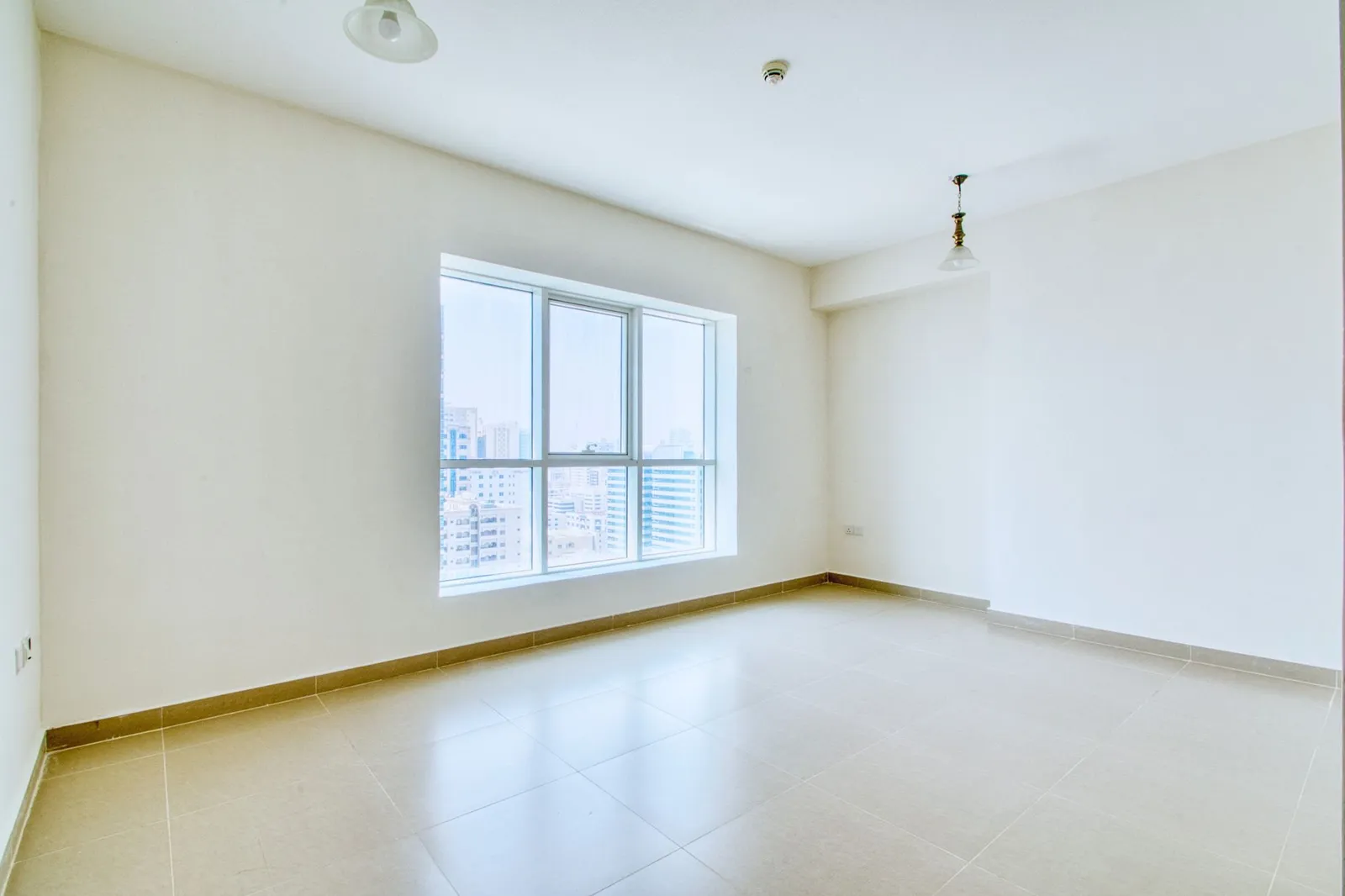
AI virtual staging has quietly become one of the most practical tools in a real estate agent's kit. Instead of hauling in rented furniture or hiring a stylist to dress a vacant property, you upload a photo of an empty room and let software furnish it digitally in seconds. The result is a clean, photorealistic image of how the space could feel once someone actually lives there. For agents, sellers, and even renters listing a sublet, it closes the gap between a hollow box and a home buyers can imagine themselves in. This guide walks through how it works, what it costs in 2026, which rooms benefit most, and how to use it honestly.
What AI Virtual Staging Actually Is
Traditional staging is a physical process. A staging company assesses the property, brings in furniture, art, rugs, and accessories, arranges everything to flatter the architecture, and removes it all after the listing sells. It is effective and expensive.
AI virtual staging replaces the physical furniture with a digital render. You photograph the empty room, the software analyzes the geometry, walls, windows, and light, and it composites believable furnishings into the scene. The difference comes down to three things:
- Speed. Physical staging takes days to schedule and install. AI staging takes minutes.
- Cost. Renting furniture for a single listing runs into the thousands. A digital render is a fraction of that.
- Flexibility. You can show the same living room in three different styles without moving a single chair.
It is worth being clear about the boundary: AI staging shows potential, not the current physical state of the room. We'll come back to disclosure later, because it matters.
Why Empty Listings Underperform
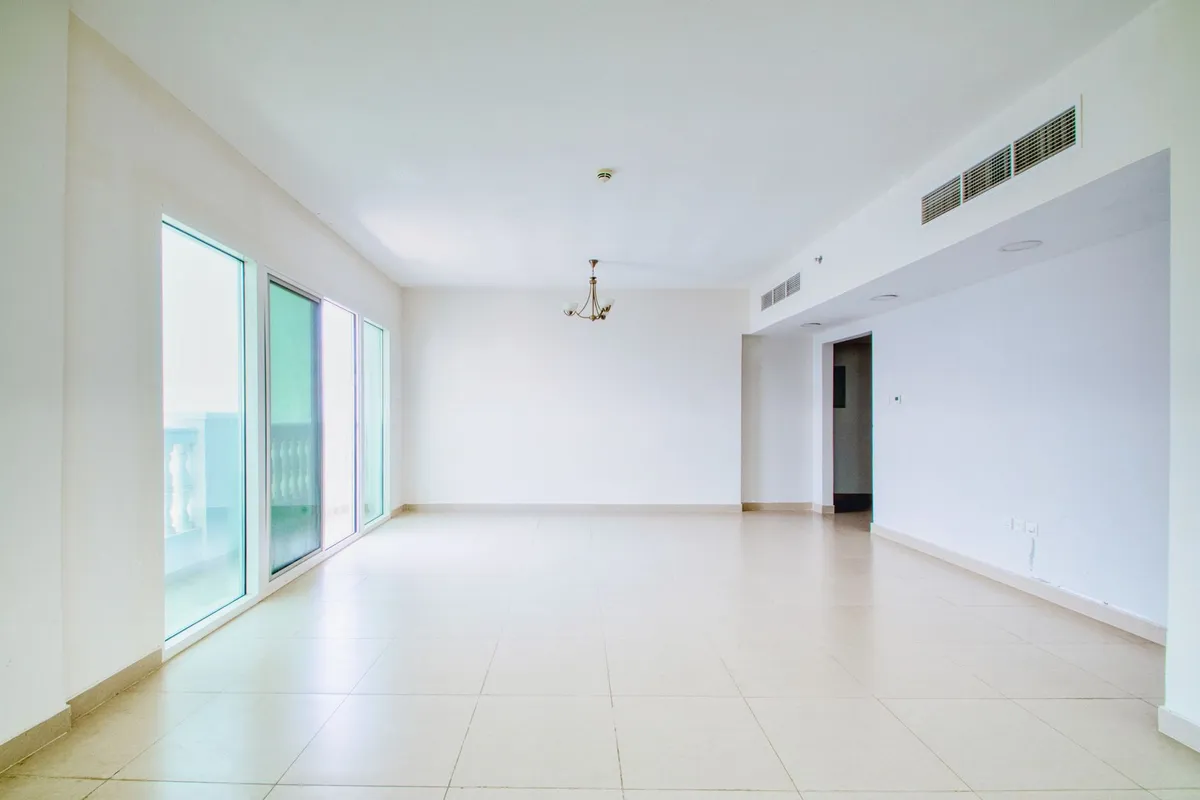
Vacant rooms are deceptively hard to sell. Without furniture, buyers lose their sense of scale, struggle to judge whether their sofa will fit, and tend to fixate on flaws like a scuffed baseboard or an awkward corner. An empty room reads as a problem to solve rather than a place to live.
- No scale reference. A 12-foot wall looks the same as a 9-foot wall in a bare photo.
- Cold emotional response. Buyers connect with warmth, texture, and lived-in cues, none of which an empty room provides.
- Lower click-through online. The listing photo is the storefront. Staged thumbnails simply draw more clicks.
How the AI Rendering Process Works
The workflow is refreshingly simple, and it follows the same three steps across most tools:
1. Upload a photo
Start with a well-lit, straight-on shot of the empty room. The cleaner the input, the more convincing the output. You can try a free room render to see how your own photo translates before committing to a full set.
2. Select a style and room type
You tell the system what the room is, whether it's a living room, bedroom, or kitchen, and pick an aesthetic direction. The room type matters because the AI places furniture that belongs there: a bed in a bedroom, an island in a kitchen.
3. Receive the rendered output
Within minutes you get a furnished, photorealistic image ready to drop into the MLS or a listing site. Most platforms let you regenerate or swap styles if the first pass isn't quite right.
Cost Comparison: Traditional vs AI Staging
The economics are the most compelling argument for going digital, especially across a portfolio of listings.
- Traditional staging: typically $2,000–$5,000 per listing in 2026, often with a one- to three-month minimum rental commitment. Larger or luxury homes climb well beyond that.
- AI virtual staging: roughly $29–$149 per room, with no rental period, delivery fees, or pickup to schedule.
For a three-room staging job, you're comparing several thousand dollars against a couple hundred. The math gets even better when you stage multiple listings a month. You can review current per-room and bundle options on our pricing page.
Best Room Types to Virtually Stage
Not every room delivers the same return on staging effort. Prioritize the spaces that drive emotional decisions.
Living room
This is the hero shot of nearly every listing. A staged living room sets the tone, communicates scale, and tends to be the first interior image buyers see. Start here.
Primary bedroom
Buyers want to picture rest and retreat. A bed, soft lighting, and balanced nightstands turn an anonymous box into a sanctuary. It's one of the highest-impact rooms to stage.
Kitchen
Kitchens sell homes, but they're trickier to stage digitally because cabinetry and appliances are fixed. Focus on light styling: a bowl of fruit, bar stools, a few warm accents that suggest daily life without cluttering the work surfaces.
Style Choices That Attract Buyers
The goal of staging is broad appeal, not personal expression. You want the largest pool of buyers to see themselves in the space, which means leaning toward calm, current, and uncluttered.
- Modern minimalist. Clean lines and restraint photograph beautifully and rarely alienate anyone. Explore the modern minimalist style as a safe, high-conversion default.
- Light and neutral palettes. Whites, warm greys, oatmeal, and soft wood tones make rooms feel larger and brighter, and they read well on small phone screens.
- Transitional warmth. A touch of texture, a throw, a plant, a piece of art, keeps minimalism from feeling sterile.
Avoid bold, polarizing themes for the primary listing photos. You can always offer a second styled version for a specific buyer demographic, but the lead image should welcome everyone. Browsing our examples gallery is a good way to calibrate what reads as inviting versus distracting.
Limitations and Disclosure Best Practices
AI staging is a marketing tool, and like any marketing tool it carries an ethical obligation: never mislead the buyer about the property's actual condition.
- It shows potential, not reality. The furniture isn't there. The render shouldn't hide structural issues, water stains, or damage.
- Don't alter fixed features. Adding furniture is fair; digitally removing a popcorn ceiling or repainting cabinets crosses into misrepresentation.
- Always label it. Add a clear caption such as "Virtually staged" or "Digitally furnished for illustrative purposes" on every staged image.
Most MLS systems and many state real estate boards now require this disclosure. Treating it as standard practice protects you legally and builds trust with buyers who appreciate the honesty.
Tips for the Best Results
The quality of your output is mostly decided before you ever touch the software. Good inputs produce good renders.
- Shoot in good light. Natural daylight, blinds open, no harsh shadows. Avoid relying on a single overhead bulb.
- Use a level, straight-on angle. Stand in a corner and capture two full walls. Keep the camera level so verticals stay vertical.
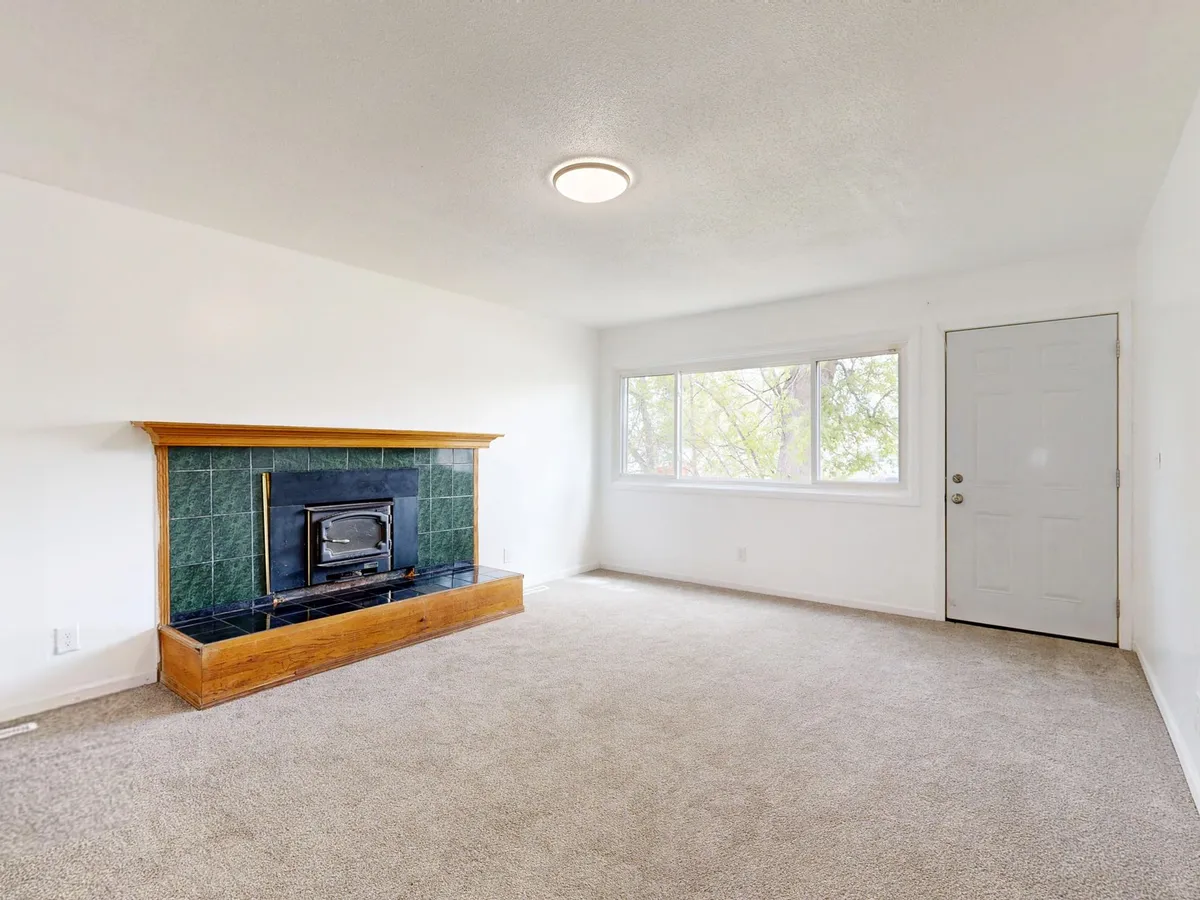
- Clean the room first. Remove ladders, paint cans, and clutter. The AI furnishes what it sees, so a tidy empty room renders far better.
- Favor higher resolution. More detail gives the AI more to work with and yields sharper, more believable furniture placement.
- Keep the lens steady. Avoid extreme wide-angle distortion that bends walls, which confuses the geometry detection.
Frequently Asked Questions
Q: Is AI virtual staging legal? Yes. Adding digital furniture to a listing photo is legal and widely accepted, provided you disclose it. The line is misrepresentation: you may furnish an empty room, but you may not hide defects or alter fixed features like flooring, cabinets, or ceilings. Always label staged images clearly.
Q: How long does it take? Most renders are ready within a few minutes per room. A full multi-room listing can typically be staged and downloaded the same day you upload the photos, compared to days or weeks for physical staging.
Q: Do buyers know the room is virtually staged? They should, and the best agents make sure of it. A short caption like "Virtually staged" on each image keeps everything transparent. Buyers understand the convention, and honesty about it protects your reputation and your sale.
Q: Is it worth it for luxury listings? Often, yes. High-end buyers still need to see scale and lifestyle, and AI staging lets you present a property in multiple curated styles quickly. For ultra-premium homes, many agents pair AI renders for online reach with selective physical staging for in-person showings, getting the best of both at a fraction of full staging cost.
Q: Can I restage the same room in different styles? Absolutely. One of the biggest advantages of going digital is generating several looks from a single photo, so you can test what resonates or tailor the presentation to your target buyer without any added physical effort.