
AI Interior Design for Real Estate Agents
How real estate agents use AI interior design to sell properties faster. Practical guide to virtual staging, listing enhancement, and buyer engagement.
RoomRenovation.AI Team
Updated March 9, 2026
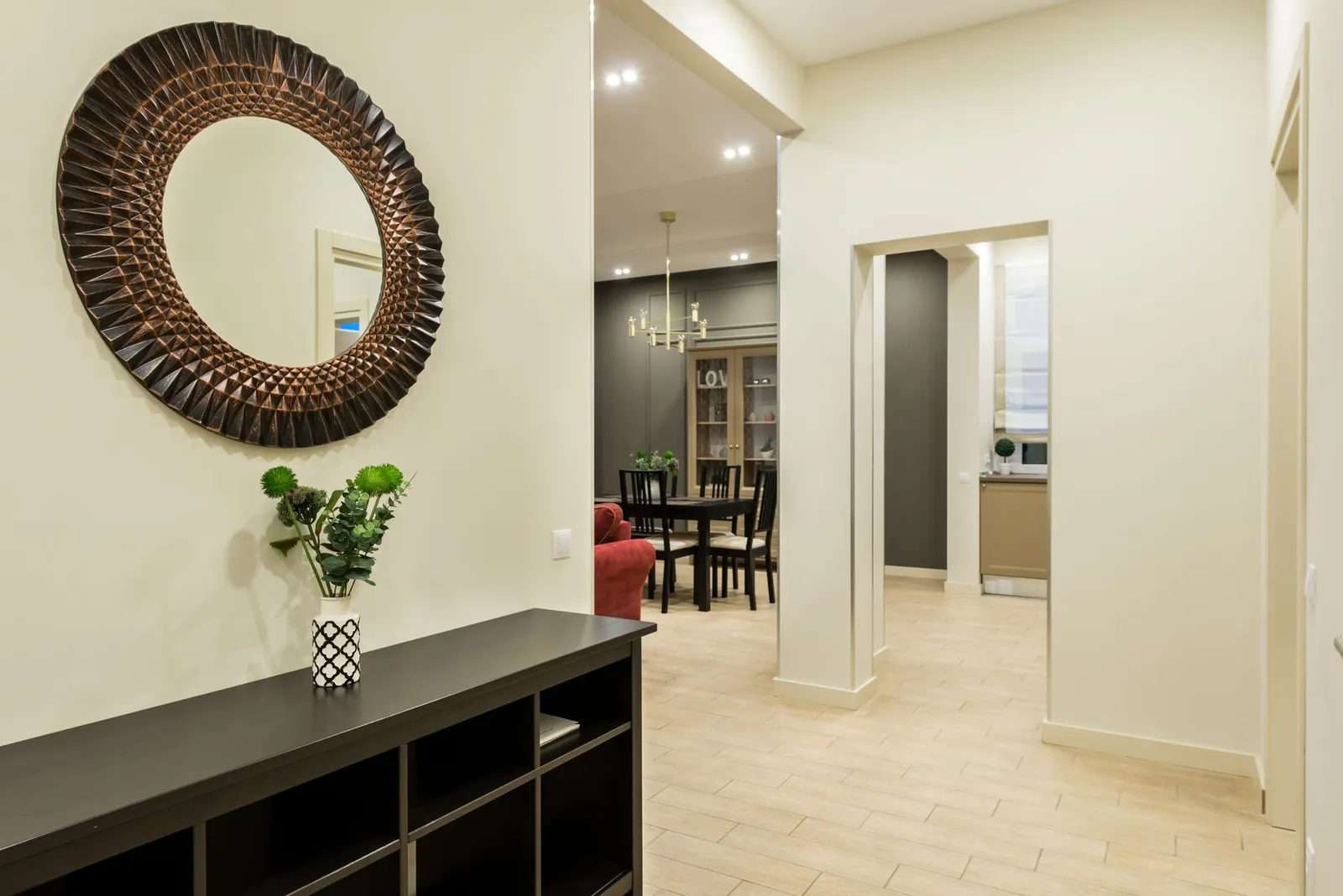
Real estate agents who dismiss AI interior design tools as a consumer novelty are leaving a measurable competitive advantage on the table. Buyers make emotional purchase decisions in seconds when scrolling listing photos — and an empty, dated, or visually cluttered room kills that emotional response before a showing can happen. AI visualization changes that equation without the cost and coordination burden of traditional staging.
The Listing Problem AI Solves
Traditional real estate staging is expensive ($1,500–$5,000 for a full-home setup), logistically demanding, and impossible on vacant commercial listings or international properties. It requires physical furniture, movers, a staging consultant, and a photographer — all coordinated before the listing goes live.
AI interior design tools like RoomRenovation.AI compress that process to minutes. Upload a photo of the empty or existing room, select a style, and receive a photorealistic render showing furnished, designed space. The buyer's brain can suddenly picture living there. That visualization converts browsers into booked showings.
Virtual Staging: What AI Does That Traditional Staging Can't
Show Multiple Buyer Demographics in One Session
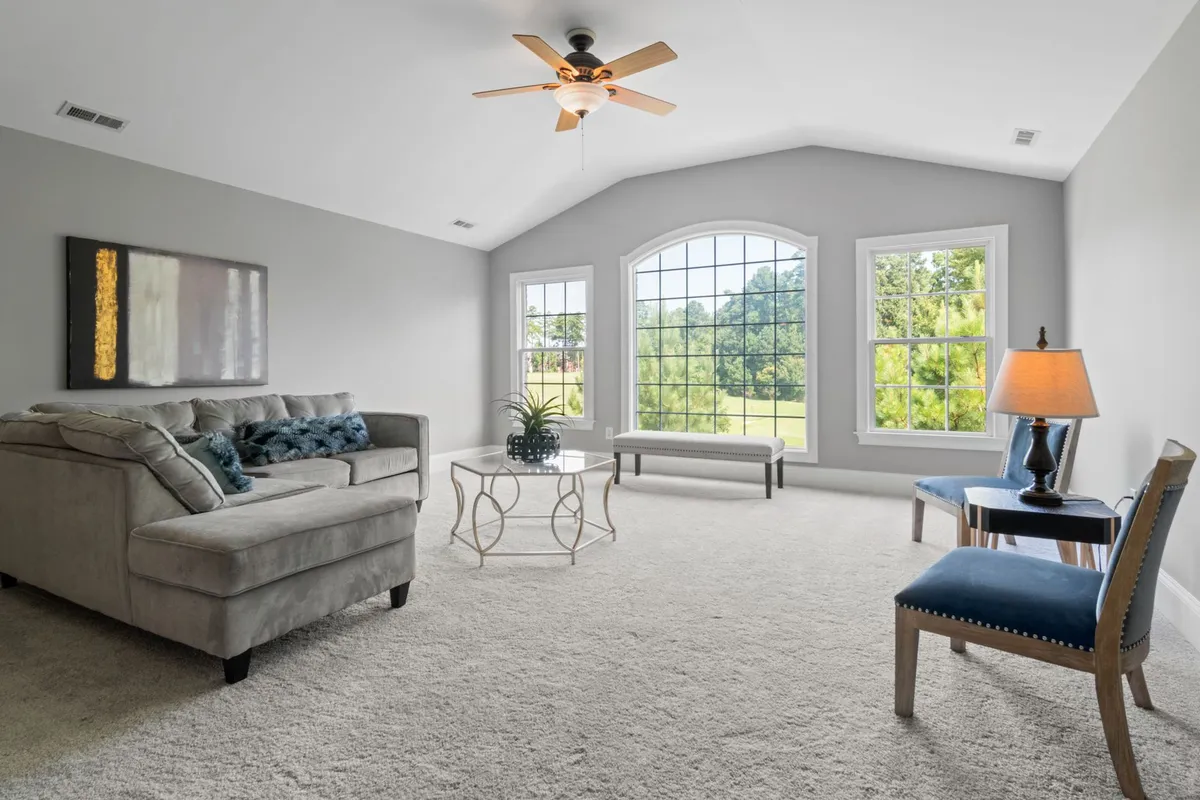
A three-bedroom suburban listing might attract young families, remote-working couples, and downsizing empty nesters — all with very different visions for the space. Traditional staging commits to one aesthetic. AI visualization lets agents generate a contemporary version and a transitional version of the same living room in under 10 minutes, then use whichever resonates best with a specific buyer lead — or post both to the listing to widen appeal.
Renovation Preview for Investor Buyers
Investors and house-flippers buy potential, not current condition. An agent who can walk an investor through an AI render showing what the tired 1990s kitchen would look like renovated in a modern style — using the actual room photo, not a generic template — is speaking their buyer's language fluently. The modern minimalist or industrial renders on RoomRenovation.AI's examples page show exactly this kind of before/after transformation.
International and Out-of-State Buyers
Remote buyers can't attend showings. They're making six- and seven-figure decisions based entirely on listing photos and video calls. Providing AI-rendered styled versions of each major room gives remote buyers the spatial comprehension they can't get from empty-room photos — and it signals that the agent is invested in the presentation quality.
Practical Workflow for Agents
Step 1: Photograph Each Room Immediately After Vacancy
For vacant properties, have the photographer shoot the empty rooms as well as the staged (if any) versions. These empty-room photos are your AI source material. Good natural light, a wide-angle lens from the corner of the room, and a horizontal orientation produce the best render results.
Step 2: Run AI Renders Before the Listing Goes Live
Upload each room photo to RoomRenovation.AI and generate renders in 2–3 relevant styles. For a clean contemporary property, try modern minimalist and Scandinavian. For a charming older home, try transitional and farmhouse. The process takes about 5 minutes per room.
Step 3: Select the Best Renders for Each Room
Choose renders where the lighting feels accurate to the actual space and the furniture scale looks proportional. Overly grand furniture in a small room is a red flag for buyers — the AI sometimes errs in this direction in tight spaces, so review critically before using.
Step 4: Label Renders Transparently
Always label AI-rendered images as "virtually staged" or "AI-rendered redesign concept" in the listing. Buyers appreciate the transparency, and in most markets it's becoming a standard disclosure. The renders are understood to be conceptual, not a representation of included furnishings.
Which Room Types Benefit Most
Not every room needs AI staging. Prioritize based on buyer decision weight:
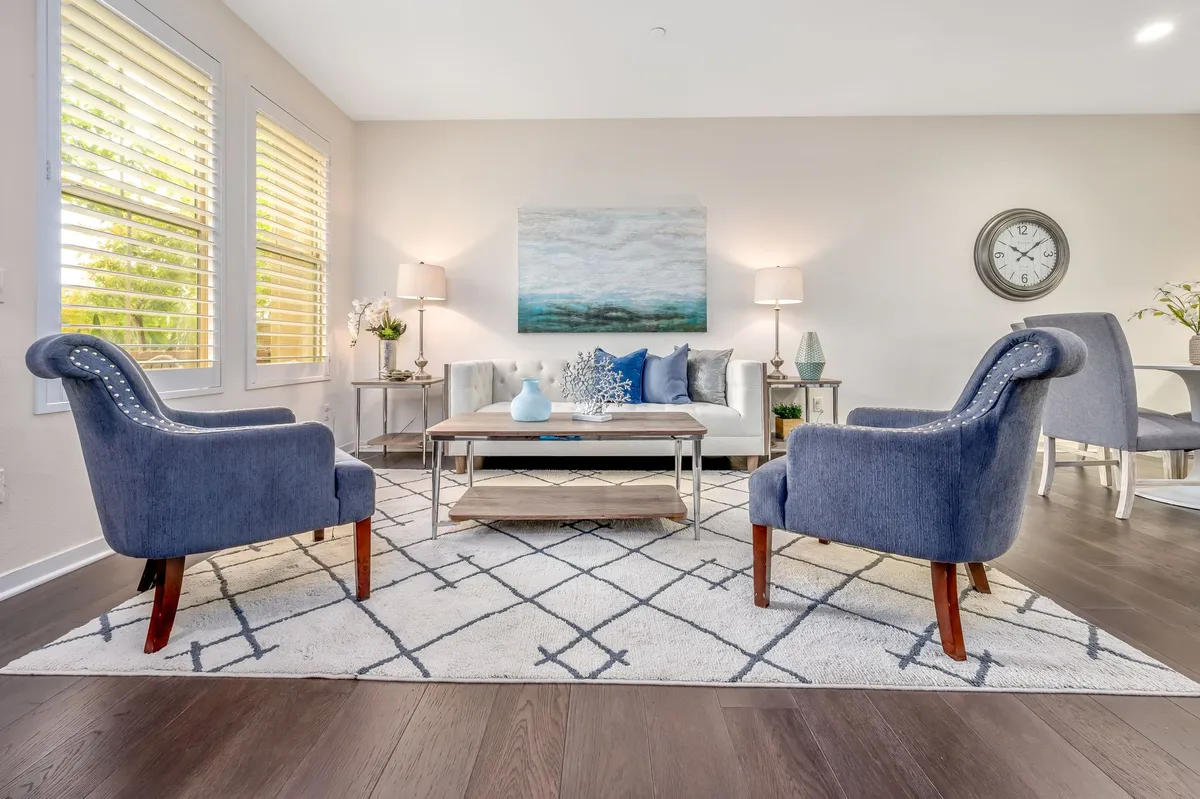
- Living room: Always. It's the first thing buyers judge and the room that sells the lifestyle. See what AI does with living room redesigns.
- Primary bedroom: High priority. Buyers need to picture themselves sleeping there. An empty bedroom with white walls reads as nothing.
- Kitchen: Useful for showing a renovation direction if the kitchen is dated. An AI render showing the existing space styled up — or showing what a renovation could look like — helps buyers see past outdated finishes.
- Bathrooms: Lower priority but valuable for spa-style bath renders that evoke aspiration.
- Dining room and home office: Worth doing quickly; buyers frequently overlook these rooms but they factor into the final offer.
Cost vs. Traditional Staging ROI
Traditional full-home staging averages $2,500–$4,500 for a 90-day listing period. AI rendering for all major rooms via RoomRenovation.AI runs a fraction of that — see current pricing for render packs. Even accounting for professional listing photography to pair with the renders, the cost difference is significant.
The ROI case for staging — AI or physical — rests on days-on-market reduction and higher final sale prices. Staged homes consistently sell faster and for more money than unstaged equivalents in the same neighborhood and price bracket. AI rendering delivers the core visual benefit of staging at a fraction of the cost and without any logistical overhead.
Beyond Listings: Agent Marketing Uses
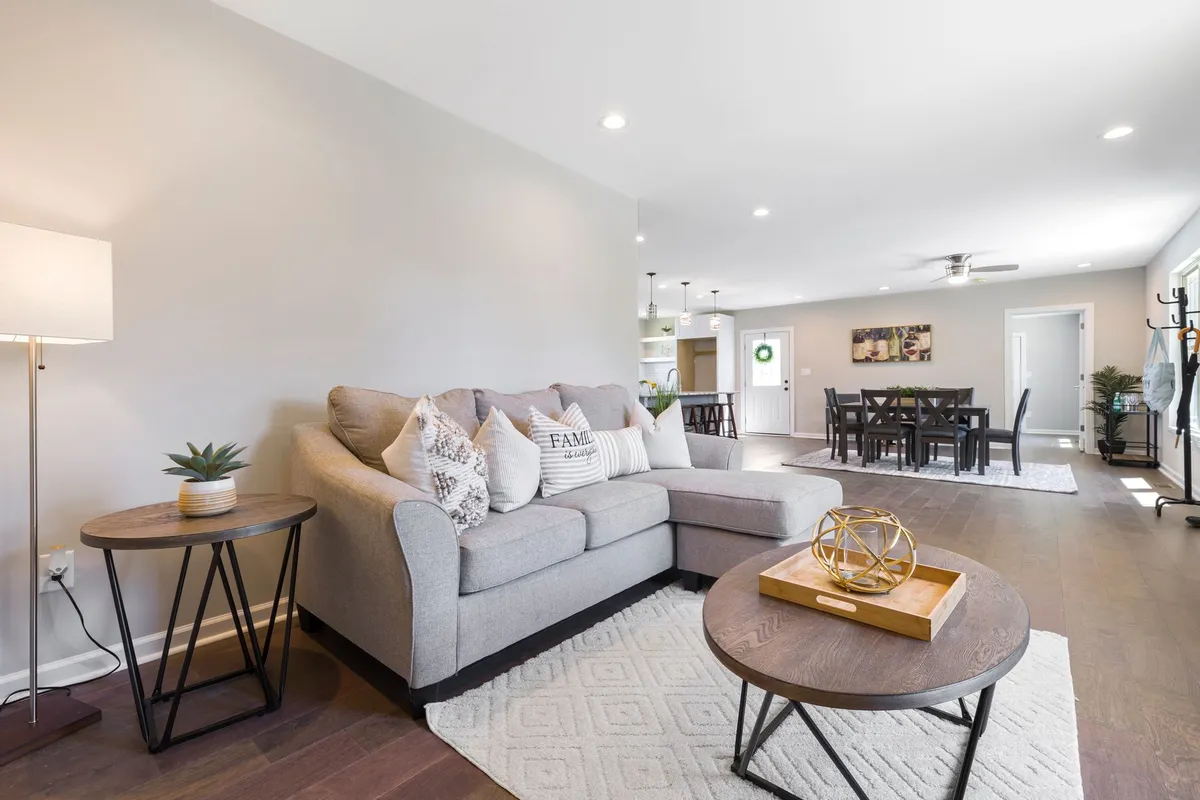
AI interior design extends beyond individual listings. Agents can use renders to:
- Create before/after content for social media that showcases their ability to help buyers visualize potential
- Generate neighborhood-specific style guides ("5 ways to modernize your [City] colonial") that drive organic search traffic
- Offer free render previews as a listing lead magnet ("What would your home look like redesigned?")
- Produce renovation-preview content for off-market buyers considering a fixer-upper
FAQ
Is AI virtual staging legal in real estate listings? Yes, provided renders are clearly labeled as AI-generated virtual staging and not represented as photographs of the actual property. Most MLS systems now have a virtual staging disclosure category.
How good is AI virtual staging compared to traditional staging? For photography and listing purposes, AI renders are indistinguishable from traditional staging photography in most cases. They can't be used for physical showings, but for listing photos they perform equivalently and in some style directions outperform physical staging.
Can I use AI staging for occupied listings? Yes. Tools like RoomRenovation.AI can redesign rooms that already contain furniture, effectively replacing existing furnishings with a fresh style. This is useful for occupied listings where the current decor is dated or cluttered.
How many styles should I generate per room? Two to three styles per key room is usually sufficient. More than that creates indecision. Present buyers with a curated choice rather than an overwhelming menu.
Where do I start? Try a free render on one of your current listings. Upload the empty living room photo and see the result in two or three styles — the before/after comparison is the most persuasive demonstration available.