
Best AI Room Renovation Tools in 2026
We tested the top AI room renovation tools of 2026. Ranked by quality, style variety, pricing, and ease of use. Find the best tool for your project.
RoomRenovation.AI Team
Updated January 28, 2026
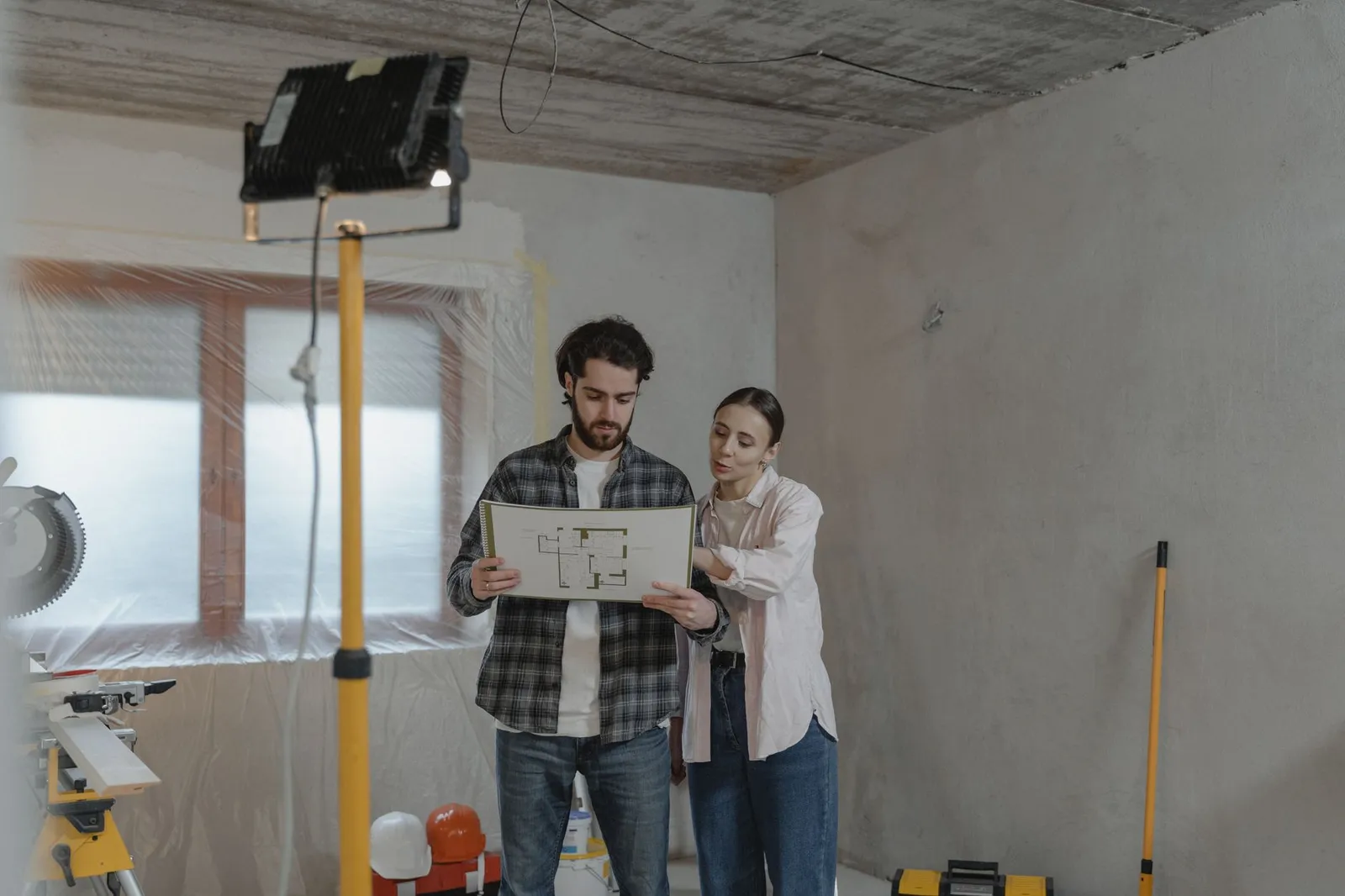
The best AI room renovation tools in 2026 have changed the way homeowners plan, visualize, and execute redesigns — and choosing the right one can mean the difference between a decision you love and an expensive mistake. After spending months testing platforms across real living rooms, kitchens, and bedrooms, here's an honest breakdown of what each tool actually delivers.
Why AI Visualization Has Become Essential for Renovations
Before committing $15,000 to a kitchen remodel or $8,000 to a master bedroom refresh, most homeowners now expect to see a photorealistic preview. AI room renovation tools make that possible in minutes, not weeks. The core value isn't novelty — it's risk reduction. You discover early that the navy blue accent wall clashes with your existing floors, or that the open-concept layout you imagined actually feels cramped on paper.
The tools have also matured considerably. Early versions produced muddy, furniture-swapped composites. Today's best platforms understand lighting, material textures, architectural proportions, and even seasonal light angles.

RoomRenovation.ai — Best Overall for Photorealistic Renders
RoomRenovation.ai earns the top spot because it consistently produces renders that look like professional architectural photography, not digital art. The workflow is straightforward: upload a photo of your existing room, select from 30+ design styles, and receive multiple photorealistic variations within seconds.
What sets it apart is the quality of material rendering — stone countertops, linen sofas, and hardwood floors read as genuinely tactile rather than flat textures applied to a 3D model. The style library spans everything from Scandinavian minimalism to Moroccan maximalism, and the AI handles challenging inputs like low-light photos, cluttered rooms, and awkward angles without degrading output quality significantly.
Pricing starts at just a few dollars per render, with subscription plans that make it practical for ongoing renovation planning. See the full breakdown at roomrenovation.ai/pricing. You can test it immediately with a free room render — no account required for your first design.
How the Other Major Tools Stack Up
Midjourney + Custom Prompting
Midjourney produces stunning images, but it's not purpose-built for interior design. Getting consistent results with your actual room requires significant prompt engineering skill and multiple generation attempts. There's no direct photo-to-redesign workflow, which means you're redesigning a hypothetical room rather than your specific one. Useful for pure inspiration; limited for practical renovation planning.
Homestyler
Homestyler takes a 3D-modeling approach: you build a room from scratch, furnish it, and render. The results can be detailed, but the time investment is substantial — we're talking 2–4 hours to model a single room accurately. It works well for architects and serious DIYers who want full spatial control, but most homeowners want to see their existing room transformed, not build a digital twin from scratch.
Planner 5D
Similar to Homestyler in its build-from-scratch philosophy, Planner 5D has added AI features that auto-generate furniture arrangements. The AI-assisted mode is genuinely useful for spatial planning but doesn't replicate your actual room's lighting, finishes, or architectural details. Good for floor plan exploration, limited for material and style visualization.
Interior AI
Interior AI was one of the first pure "upload a photo, get a redesign" tools and deserves credit for pioneering the format. The quality has improved but remains inconsistent — the same room can produce excellent results one attempt and flat, implausible renders the next. Style options are narrower than RoomRenovation.ai's library, and pricing has increased without a proportional quality jump.

Key Features to Compare
Photo Input Quality
The best tools handle real-world photos with confidence: cluttered rooms, mixed lighting, wide-angle distortion. Tools that require pristine, well-lit inputs are impractical for actual homeowners.
Style Fidelity
Can the tool distinguish between Scandinavian minimalism and modern minimalist? Between industrial and raw loft? The best platforms maintain stylistic specificity rather than producing generic "contemporary" results regardless of what you select.
Speed and Iteration
A tool that takes 5 minutes per render discourages the rapid iteration that makes AI visualization valuable. The best platforms return results in under 30 seconds, allowing you to compare 10 variations in the time it used to take to schedule a contractor consultation.
Preservation of Architectural Features
Does the AI maintain your room's actual windows, ceiling height, molding details, and flooring footprint? Tools that ignore architectural context produce renders that look beautiful but don't represent your actual space.
Which Tool Is Right for Your Project?
For most homeowners renovating an existing room — living room, kitchen, bedroom, or bathroom — RoomRenovation.ai delivers the best combination of photorealism, speed, style variety, and practical pricing. It handles the use case these tools were built for: showing you exactly what your room could look like before you spend a dollar on materials or labor.
If you're an architect or designer who needs full spatial modeling, Homestyler or Planner 5D may justify the time investment. If you want pure artistic inspiration disconnected from your actual space, Midjourney has no equal. But for renovation planning — the actual decision-making process — upload-and-render tools win every time.
Check our before-and-after examples to see the quality range, or explore the full tools directory for specialized use cases.
Pricing Reality Check
AI room visualization has become genuinely affordable. Single renders typically run $1–5. Monthly subscriptions that support ongoing renovation planning — multiple rooms, multiple style iterations — generally run $15–40/month depending on the platform and render volume. Compare that to $150–300/hour for a human interior designer consultation, and the math is obvious for homeowners who are still in the exploration phase.
That said, AI visualization is a planning tool, not a replacement for professional design on complex projects. For structural renovations, full kitchen overhauls in the $50,000+ range, or historic homes with complex constraints, a licensed designer's expertise remains irreplaceable. See our detailed comparison of AI tools vs. traditional designers for more on when each approach makes sense.
FAQ
Can AI room renovation tools accurately show my specific room? Yes — upload-and-render platforms like RoomRenovation.ai use your actual room photo as the base, preserving your real architecture, window placement, and proportions while applying new design styles.
How many style variations should I generate before deciding? Most designers recommend testing at least 3–5 distinct styles before narrowing down. Once you've identified a direction, generate 3–4 variations within that style to refine details like color and material choices.
Do AI renders account for my room's natural light? The best platforms analyze existing lighting conditions in your photo and simulate how new materials and colors would interact with that light. Results are most accurate when your input photo was taken in natural daylight.
Is the quality good enough to share with a contractor? Increasingly, yes. Photorealistic renders from top platforms communicate design intent clearly enough that contractors can use them as reference images for material selection and finish specifications.
How often do the style libraries get updated? RoomRenovation.ai updates its style library regularly. Current offerings include 30+ styles spanning major design movements and regional aesthetics — far more than most competing platforms.