
RoomRenovation.AI vs RoomGPT: Honest Comparison
Detailed comparison of RoomRenovation.AI and RoomGPT. We tested both tools with the same photos and compared style variety, quality, speed, and pricing.
RoomRenovation.AI Team
Updated January 22, 2026

If you're researching AI room design tools, you've almost certainly come across both RoomRenovation.AI and RoomGPT—two of the most searched platforms for photorealistic room redesign. We tested both tools using the same set of real room photos across five different interior styles, and the differences are significant enough to matter whether you're renovating one room or your entire home.
What Each Tool Actually Does
Understanding what you're comparing matters before diving into head-to-head results. Both tools accept a photo of your existing room and return an AI-generated redesign, but the underlying approach and output quality differ considerably.
RoomRenovation.AI
RoomRenovation.AI is purpose-built for homeowners planning real renovations. The tool offers 30+ distinct interior styles—from Scandinavian and Modern Minimalist to Coastal, Japandi, and Industrial—and generates photorealistic renders that preserve your room's actual architecture: window placement, ceiling height, flooring shape. The rendering engine treats your walls and structural elements as fixed constraints, which means the output is actually useful for renovation planning rather than just mood-boarding.
RoomGPT
RoomGPT was one of the earliest AI room redesign tools to go viral, riding the wave of diffusion-model popularity in 2023. It operates on a simpler pipeline: upload a photo, pick a room type and style, get a result. The speed is fast, and for a quick first look at a style direction, it can be satisfying. However, the tool was built as a proof-of-concept more than a professional workflow tool, and it shows in the output consistency.
Style Variety and Accuracy
RoomRenovation.AI Style Library
With over 30 curated styles, RoomRenovation.AI covers the full spectrum of contemporary interior design. Each style is tuned with specific material palettes, furniture silhouettes, and lighting cues. When you select "Japandi," you get warm natural woods, muted tones, and low-profile furniture—not just a vague "Asian-inspired" wash. The style accuracy is consistent across different room types, which matters when you're redesigning a living room, bedroom, and kitchen in the same home and want visual coherence.
RoomGPT Style Consistency
RoomGPT offers fewer style options and—critically—the same style label can produce meaningfully different results depending on your upload. In our testing, the "Modern" style rendered a living room with mid-century furniture in one attempt and a glass-and-steel minimalist look in another, using the same base photo. For casual exploration that inconsistency is fine; for renovation planning it introduces real uncertainty.
Render Quality and Realism
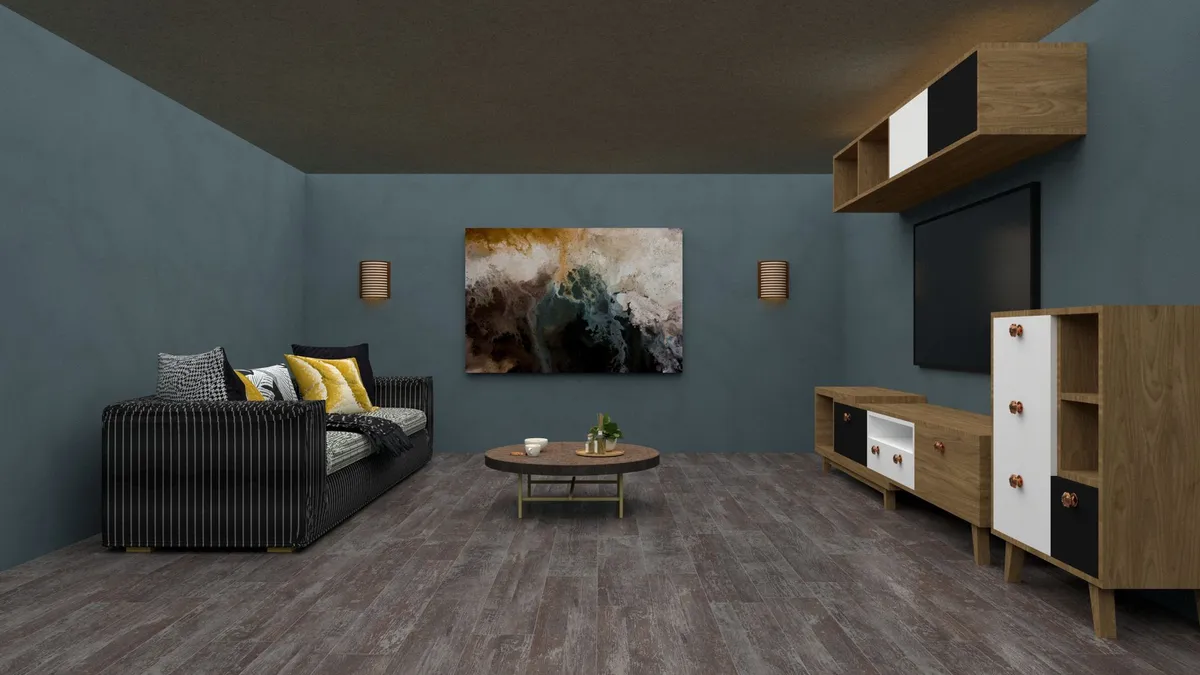
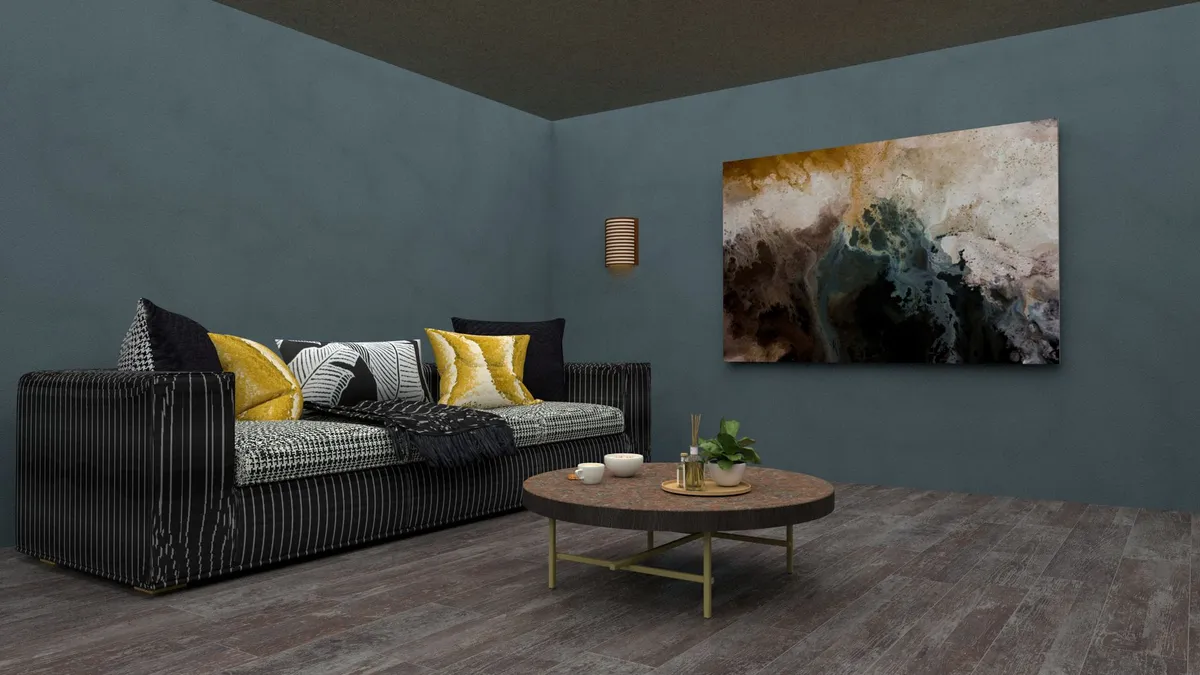
This is where the gap widens most clearly. RoomRenovation.AI produces renders at a resolution and detail level that holds up to close inspection—you can read the grain in the hardwood floors, see the fabric texture in the sofa, and evaluate whether a particular pendant light would scale correctly to the ceiling. Shadows fall consistently with the room's natural light sources.
RoomGPT outputs are serviceable for a first impression but show common diffusion artifacts: furniture that floats slightly above floors, walls that blur into soft gradients, windows that lose their architectural definition. For sharing on social media or quick inspiration, these are fine. For making a $15,000 renovation decision, they're not.
Speed and Workflow
Generation Time
Both tools generate results in under 30 seconds on average. RoomRenovation.AI typically takes 15–25 seconds depending on server load; RoomGPT is similar. Neither requires any technical knowledge—upload, select, render. The meaningful workflow difference shows up in what happens after the first render.
Iteration and Refinement
RoomRenovation.AI allows you to run multiple style variants from the same upload quickly, letting you build a comparison board across styles before committing. The dashboard saves your render history so you can revisit and share specific results. RoomGPT's free tier limits generations significantly, and there's no persistent project organization—your renders live only in your download folder.
Pricing Comparison
Pricing structures reflect the different product philosophies. RoomRenovation.AI uses a credit-based model where renders start at a few dollars each, with bundles available that bring the per-render cost down substantially—see the full pricing page for current rates. There's also a free render to try before committing.
RoomGPT has a free tier with limited generations, then moves to a monthly subscription. For users who want to run many renders in a short burst during active renovation planning, credit-based pricing tends to be more economical than a subscription you pay regardless of usage.
Real Use Cases: Where Each Tool Wins
When RoomRenovation.AI Is the Better Choice
- You're planning an actual renovation and need renders reliable enough to show a contractor
- You want to compare 5+ styles across the same room systematically
- You need consistent results across multiple rooms in a home to evaluate visual coherence
- You want to share renders with a spouse, partner, or designer and have everyone looking at the same saved image
- You're a real estate agent staging a listing and need professional-quality before/after imagery
When RoomGPT Might Be Sufficient
- You want a completely free, zero-commitment first look at a single style direction
- The result is for personal inspiration only, not for communicating with contractors
- You're comfortable with inconsistent output and will generate many attempts to find one you like
What Both Tools Cannot Do
Neither tool replaces a licensed interior designer for complex renovation projects. Neither can account for building codes, plumbing rough-in locations, load-bearing walls, or electrical panel placement. They visualize; they don't plan. For projects involving structural changes, use these renders as conversation starters with professionals rather than final specifications. Browse the examples gallery to understand the realistic scope of what AI visualization achieves.
The Verdict
If you're serious about using AI visualization as part of a renovation decision, RoomRenovation.AI is the stronger tool on every dimension that matters for planning: style consistency, render quality, output resolution, and workflow organization. RoomGPT remains a valid entry point for casual curiosity, but it wasn't designed for the level of specificity that a real remodel requires.
The best approach: use the free render on RoomRenovation.AI with your actual room photo and compare the result to what RoomGPT produces from the same image. The difference will be apparent immediately.
FAQ
Is RoomRenovation.AI free to try? Yes—there's a free render available at /free-room-render that lets you upload a photo and see a redesigned room before purchasing any credits.
Does RoomGPT still work in 2026? Yes, RoomGPT remains operational, though the product has seen limited development compared to more actively maintained tools. Features and output quality have not significantly changed since its initial launch.
Can I use AI room renders to get contractor quotes? AI renders communicate visual direction effectively and many homeowners share them with contractors to convey style intent. They are not architectural drawings—contractors will need measurements and specifications for actual quoting.
Which tool produces better results for kitchen redesigns? For kitchens specifically—where cabinet layout, countertop material, and appliance placement require precision—RoomRenovation.AI's architectural fidelity gives it a clear advantage. See realistic kitchen renovation examples and costs.
How many renders do I need to make a renovation decision? Most homeowners find that 3–5 renders across different style options is enough to identify a clear direction. From there, 2–3 refinement renders within the chosen style typically produce a result detailed enough to reference throughout the project.