
How to Use AI to Redesign Your Room (Step-by-Step)
Step-by-step guide to using AI for room redesign. From taking the right photo to choosing styles and implementing the design. Beginner-friendly tutorial.
RoomRenovation.AI Team
Updated January 20, 2026
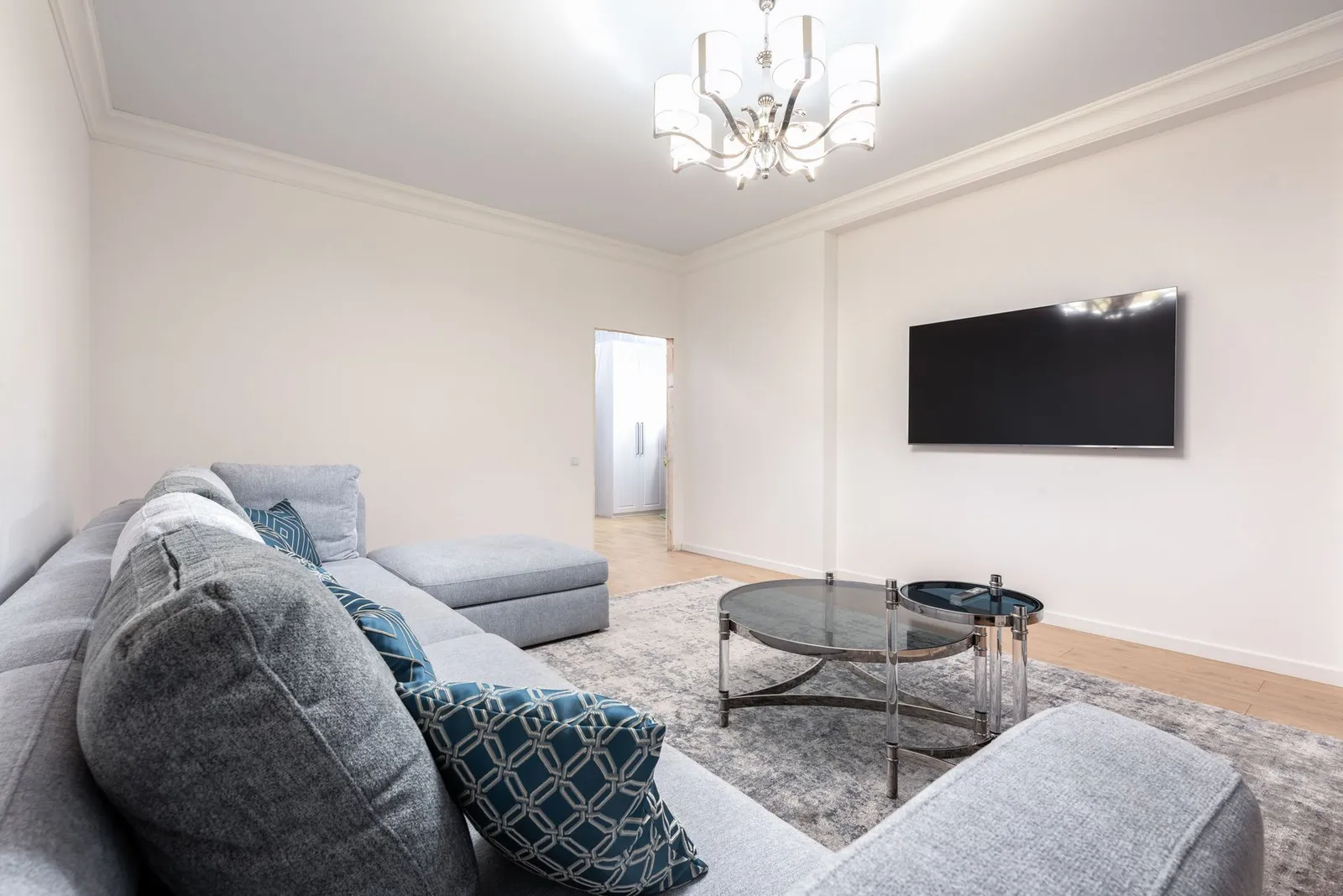
Using AI to redesign a room sounds technical, but the actual process is remarkably simple — and the results can be genuinely surprising. In 2026, AI room redesign tools have reached a level of photorealism and speed that makes them a practical first step before any renovation, redecorating project, or major purchase. This step-by-step guide walks you through exactly how to use AI to redesign your room, from taking a usable photo to refining the output into something you can actually implement.
Why Use AI for Room Redesign?
The most common mistake people make when redecorating is committing to a change before they can picture it in their actual space. A paint color that looks perfect on a swatch looks completely different under your room's lighting. A sofa that seems the right size in a showroom overwhelms a 10×12 living room. AI redesign tools solve this by rendering photorealistic versions of your room with proposed changes applied — before you spend a dollar.
The practical advantages are clear:
- Eliminate guesswork: See exactly how a style direction reads in your actual space
- Reduce expensive mistakes: Return rates on furniture drop significantly when people visualize first
- Speed up decisions: What might take weeks of browsing catalogs takes minutes with AI
- Explore styles you'd never otherwise consider: The cost of experimenting is zero
Step 1 — Take a Photo That Works
The quality of your AI render depends heavily on the quality of the photo you provide. A blurry, dark, or awkwardly cropped image produces a usable but mediocre output. A well-shot photo produces a dramatically better result.
Photo Guidelines for Best AI Results
- Use natural daylight: Turn off overhead lights if they cast an orange glow; daylight from a window produces the most accurate colors in the render
- Shoot from corner to corner: Stand in one corner of the room and shoot diagonally to capture maximum space; this gives the AI the best spatial context
- Keep the camera level: Tilted shots produce distorted renders; use your phone's level guide or grid overlay
- Include three walls if possible: Two-wall shots are acceptable, but three-wall shots give the AI more architectural context
- Avoid extreme wide-angle distortion: Some phone ultra-wide lenses create barrel distortion that makes render edges look strange
- Clear obvious clutter: Scattered objects on the floor or tabletops make it harder for the AI to distinguish furniture from decoration
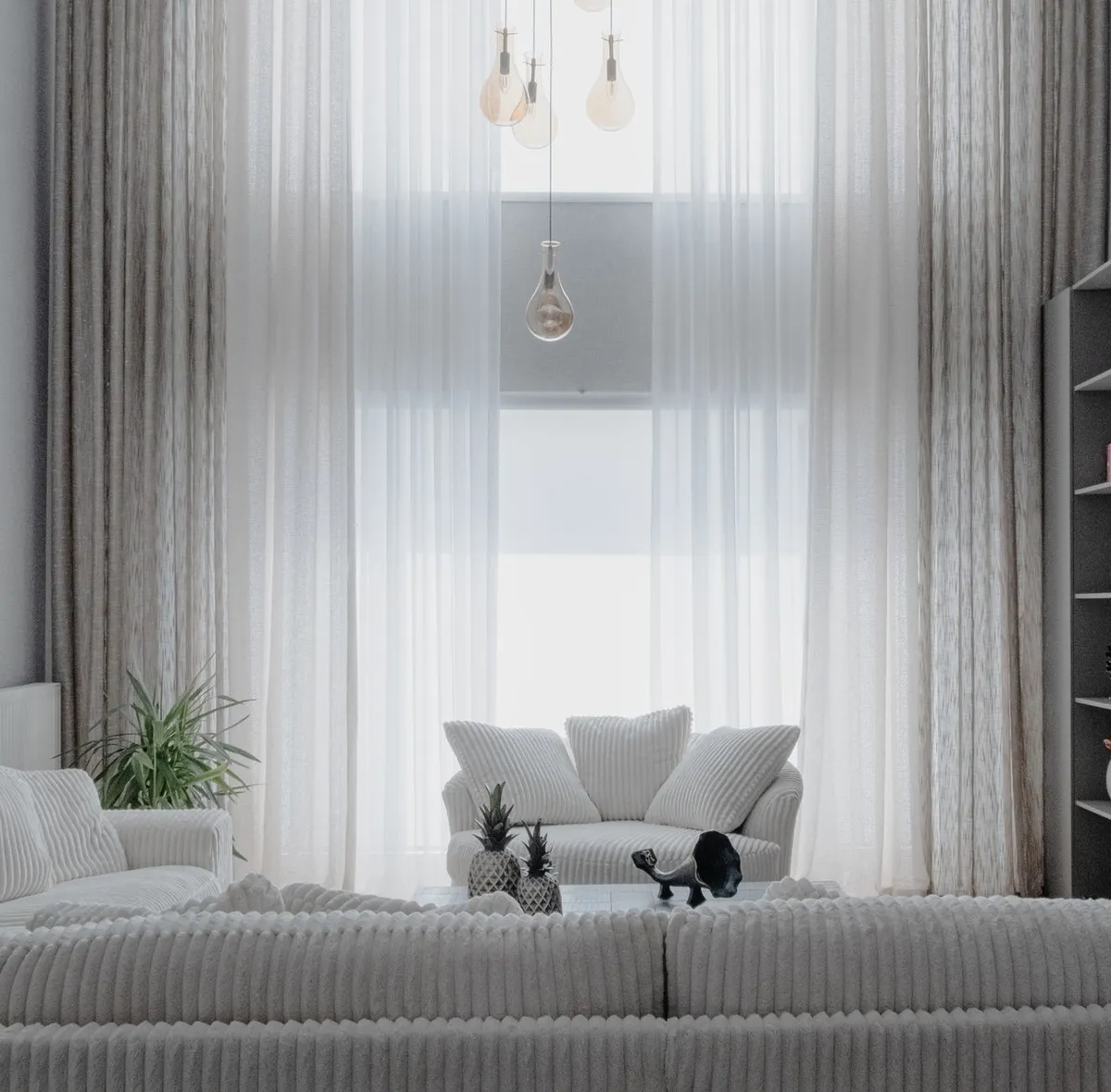
Step 2 — Choose Your AI Tool and Upload
Head to the RoomRenovation.ai dashboard and upload your room photo. The upload process is straightforward: drag and drop or click to browse, then wait a few seconds for the image to process. The platform analyzes your room's dimensions, existing furniture, lighting conditions, and architectural features before generating any output.
If you want to try the tool without committing to a subscription, the free room render gives you a working preview with real results.
Step 3 — Select a Style Direction
This is where the design process actually begins. RoomRenovation.ai offers 30+ distinct style presets, each with a specific aesthetic character. Choosing the right style preset is the most consequential decision you'll make in the process.
How to Pick the Right Style
Don't just select the most popular option. Think about:
- Your actual lifestyle: A family with young children and a dog needs different design priorities than a single professional who entertains frequently
- Your existing architecture: Low ceilings, industrial windows, or period trim all favor certain styles over others
- Your maintenance tolerance: Some styles (all-white minimalist, for instance) require much higher upkeep than others
- Budget alignment: Scandinavian and modern minimalist styles often cost less to implement than maximalist or high-end traditional looks
A useful approach: generate three or four different styles on the same photo and compare them. The differences are often more revealing than any amount of browsing design magazines. You'll quickly discover which direction resonates and which ones feel wrong for your space.
Step 4 — Read the Output Critically
AI renders are aspirational — they show a polished version of what's possible, not an exact blueprint. Learning to read them critically is an important skill.
What to Look For
- Color relationships: How do the proposed colors interact with your room's fixed elements (flooring, trim, windows)?
- Scale and proportion: Does the furniture feel appropriately sized for the room, or does something look too large or too small?
- Lighting assumptions: AI renders often idealize lighting; consider whether your room actually gets that quality of natural light
- Material textures: Focus on materials (wood grain, fabric weave, tile pattern) as much as the overall composition
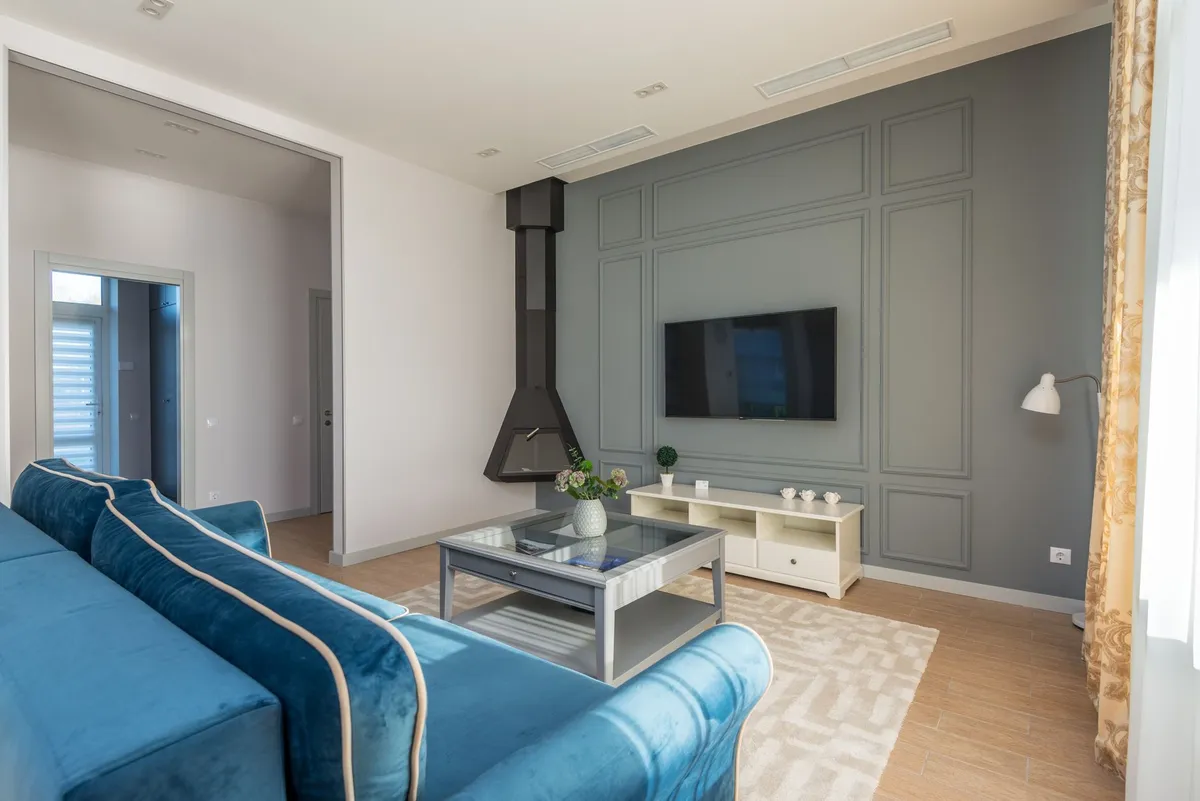
Step 5 — Refine and Iterate
One render is rarely the final answer. The real power of AI redesign comes from iteration — generating multiple versions, comparing them, and narrowing toward a direction that actually works for your space and budget.
Effective Iteration Strategies
- Generate the same room in three or four different styles and identify which elements appear consistently (a good sign those choices suit your space)
- If a style looks right but one element feels off, try a related style variant — most platforms offer style modifiers or intensity settings
- Screenshot your favorites and view them side-by-side; what reads as beautiful in isolation sometimes loses impact in comparison
- Share renders with people who know your space — external perspectives catch proportional problems you might miss
Step 6 — Translate the Render into an Action Plan
A beautiful render is only valuable if it leads to actual decisions. The translation step is where most people underutilize the tool. Here's how to convert a render into a practical plan:
Identify the Highest-Impact Changes
Rank proposed changes by visual impact versus implementation cost. Paint is almost always the highest-impact, lowest-cost change. New furniture is high-impact but higher-cost. Accessories and textiles land in the middle — meaningful visual effect, moderate cost.
Prioritize by Budget
AI renders don't come with price tags. Once you have a style direction, research actual costs. For kitchen or bathroom work that appears in the render, reference our kitchen renovation cost guide or bathroom renovation cost guide for realistic 2026 USD ranges.
Shop From the Render
Use the render as a visual reference when shopping. Screenshot specific elements — the sofa silhouette, the pendant light style, the rug pattern — and search for those specific characteristics rather than scrolling aimlessly through catalogs.
Step 7 — Implement in Phases
Most rooms don't get fully transformed in a single weekend. A phased approach almost always produces better results than trying to do everything at once:
- Phase 1 — Paint and declutter: The foundation of any redesign; establish the color direction before buying anything new
- Phase 2 — Anchor furniture: The sofa, bed, or major seating that defines the room's scale and direction
- Phase 3 — Lighting: Often underestimated; a good floor lamp and pendant dramatically change a room's character
- Phase 4 — Textiles and accessories: Rugs, pillows, throws, and artwork that layer warmth and personality
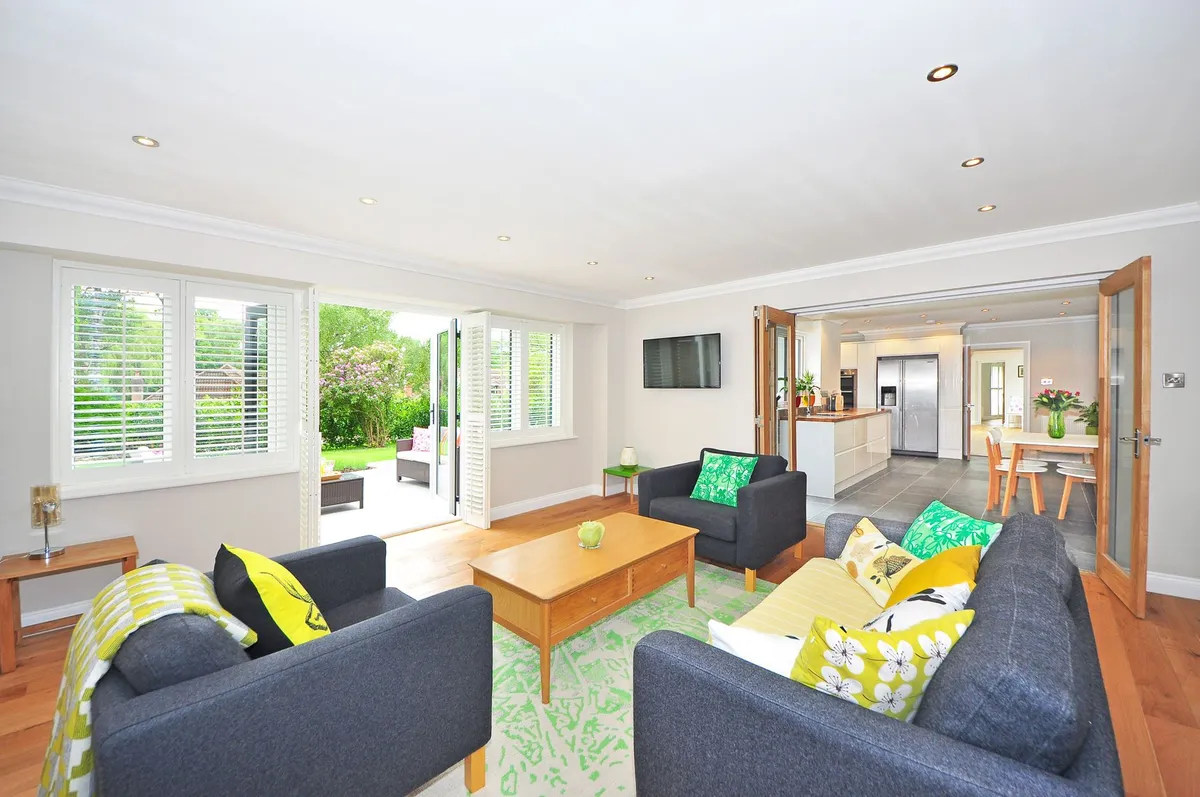
Common AI Redesign Mistakes to Avoid
- Treating the render as exact: AI renders suggest possibilities; always verify dimensions and feasibility before purchasing
- Choosing a style that looks good but doesn't suit your life: All-white rooms photograph beautifully and require constant maintenance; match style to lifestyle
- Ignoring the room's fixed elements: Flooring, trim color, window placement, and ceiling height all constrain what's achievable
- Stopping at one render: The first output is rarely optimal; iteration reveals much better solutions
- Not budgeting realistically: AI can render a $50,000 kitchen remodel from a $5,000 budget — always price out what you're seeing
Getting the Most From AI Room Redesign
Once you're comfortable with the basic process, a few advanced techniques produce significantly better results. Try photographing your room at different times of day to capture how natural light shifts — morning and afternoon light produce noticeably different renders. If you're planning a renovation that involves structural changes, photograph the room at its most raw (before work begins) for the clearest baseline.
For specific room types, the living room, kitchen, and bedroom guides include targeted advice for each space's unique challenges. You can also browse examples of completed transformations organized by room type and starting condition.
FAQ
How accurate are AI room redesign results? Modern AI redesign tools produce photorealistic outputs that accurately represent the style direction, color palette, and general furniture arrangement. They're less reliable on precise scale relationships and lighting conditions — treat them as high-quality concept visualizations, not exact blueprints.
Do I need design experience to get good results? No. The style presets handle most of the design decision-making. Your main jobs are taking a good photo, selecting a direction that appeals to you, and iterating until something feels right.
How many renders should I generate before deciding? Generally 3–6 renders across a few different style directions gives enough data to identify a clear preference. Going beyond 10–12 without a decision usually indicates the problem is definition of goals rather than lack of options.
Can AI redesign tools handle unusual room shapes or small spaces? Yes, and they often perform especially well in challenging spaces — showing solutions that aren't obvious from just looking at the room. Awkward angles, low ceilings, and small footprints are exactly the situations where AI visualization adds most value.
How does AI room redesign compare in cost to hiring a designer? Professional interior design consultations typically run $150–$500 for an initial session, with full design packages ranging from $1,500–$5,000+. AI tools start free and premium access is a few dollars per render. For a full pricing overview, the options are significantly more accessible than traditional professional services.