
Interior Design on a Budget: AI Visualization First
How to use AI visualization to plan interior design on a budget. Test every option digitally before spending, and focus your budget on high-impact changes.
RoomRenovation.AI Team
Updated March 4, 2026
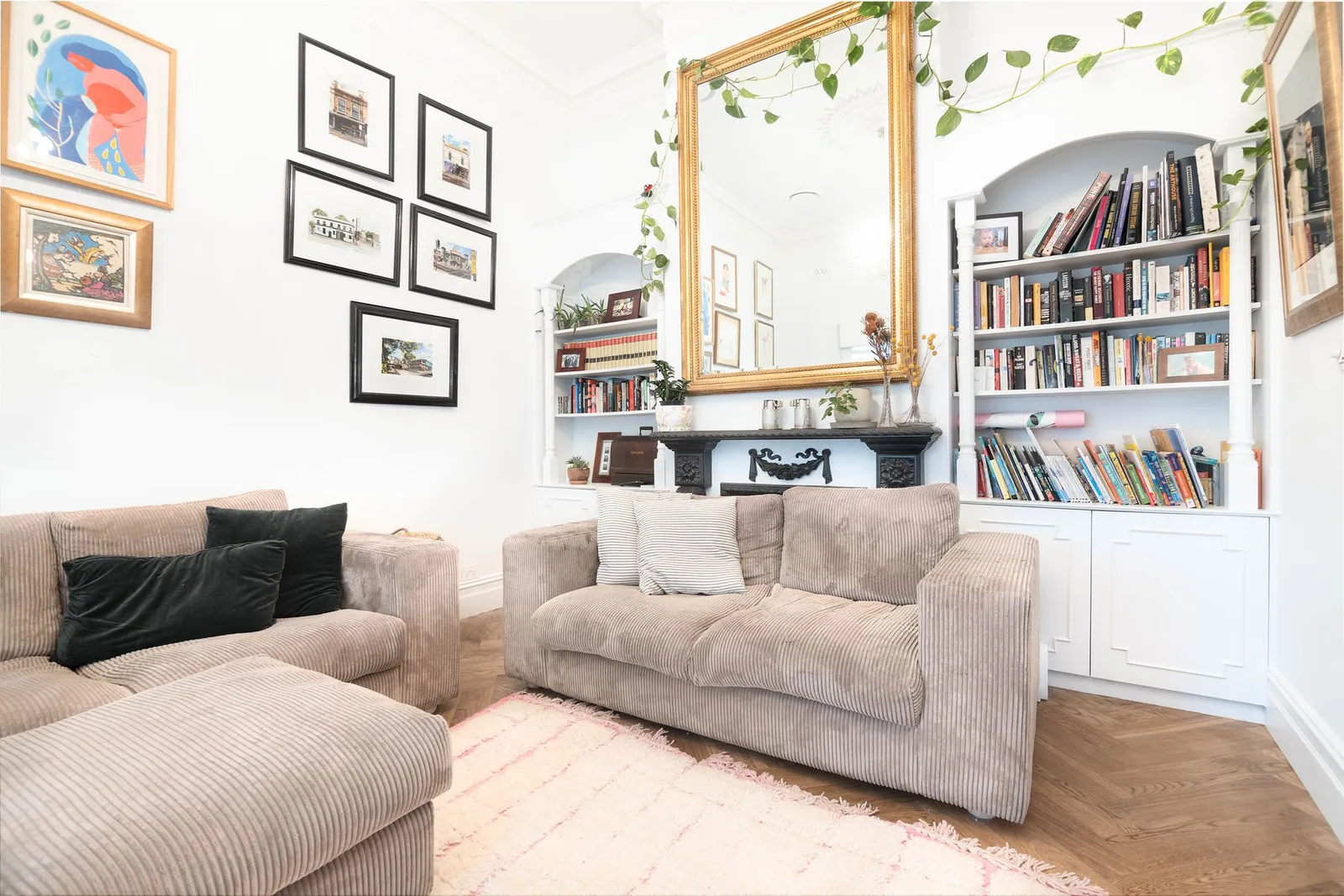
Interior design on a budget isn't about buying cheap things—it's about knowing what to spend on before you spend it. Using AI visualization to plan your interior design changes the economics of a room refresh entirely: you test every option digitally first, see exactly what works in your specific space, and then spend real money only on what you've already confirmed you love. The result is a dramatically lower rate of expensive mistakes.
Why Budget Interior Design Fails Without a Plan
Most budget renovation disasters have the same root cause: decisions made reactively. A pillow bought because it was on clearance that doesn't match the couch. A paint color chosen from a 2-inch chip that reads completely different at scale. A rug ordered online that overwhelms the room. Each mistake individually seems small, but they compound. Homeowners who've renovated on a tight budget often end up having spent more than a higher-budget project would have cost, because they had to buy, return, replace, and eventually redo.
The AI visualization approach inverts this: spend a few dollars on renders, make all your decisions digitally, then execute with confidence.
The Digital-First Planning Method
Step 1: Photograph Your Room Properly
Good AI redesign results start with a useful input photo. You don't need a professional camera—a smartphone works well—but you do need to shoot from a corner that captures as much of the room as possible in a single frame. Natural daylight is ideal; avoid bright overhead lighting that flattens shadows. Tidy the space before shooting so the AI isn't interpreting clutter as permanent features.
Step 2: Run Multiple Style Renders
Upload your photo to RoomRenovation.AI and run renders in 3–4 different styles that appeal to you. At a few dollars per render, this costs less than a single throw pillow and eliminates entire style directions that don't work in your specific room. Many homeowners discover at this stage that the style they thought they wanted—often Scandinavian minimalist—doesn't suit their room's proportions, and a style they hadn't considered fits perfectly.
Step 3: Identify the High-Impact Elements
Look at the renders that you love and ask: what specifically is making this work? Usually it's one or two elements—a wall color, a rug pattern, a lighting fixture type—rather than the entire room overhaul. Those high-impact elements become your spending priorities. Everything else can be phased in over time or sourced secondhand.
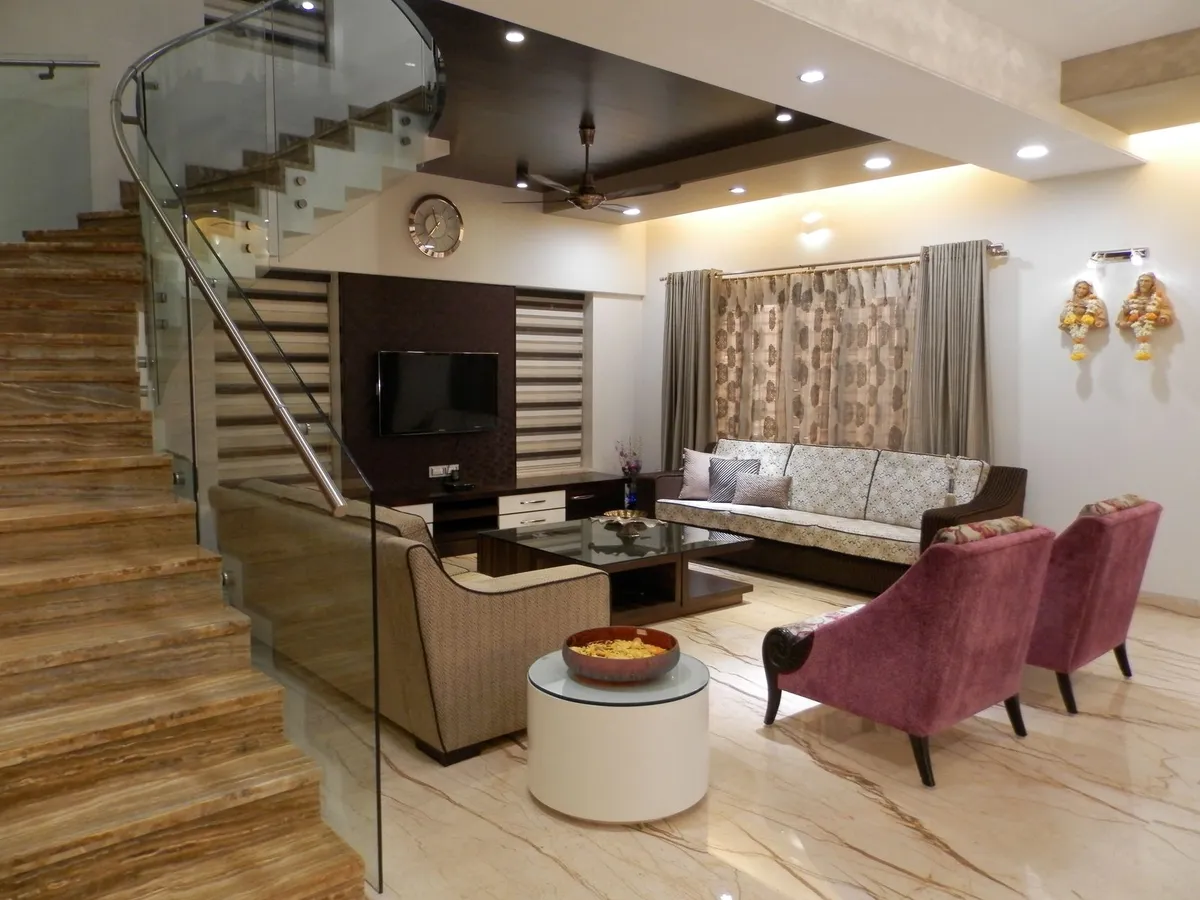
The Budget-Impact Matrix: Where to Spend and Where to Save
Not all design elements deliver equal visual return per dollar spent. A budget strategy based on impact hierarchy spends aggressively on high-ROI items and minimizes spend on low-ROI items.
High ROI: Spend Here
- Paint: The single highest-return investment in any room. A gallon of quality paint runs $50–$80 and can transform 400 square feet of wall. Your AI render tells you exactly which color before you buy.
- Lighting: Most homes are catastrophically underlit with inadequate overhead fixtures. A pendant light swap ($80–$300) or the addition of two floor lamps ($60–$200 each) changes the entire mood of a room at minimal cost.
- Area rug: A correctly sized rug (bigger than you think you need—front legs of furniture on the rug minimum) anchors a room and connects disparate furniture. Budget range: $200–$600 from Rugs USA, Wayfair, or Amazon for credible options; $400–$1,200 for wool quality.
- Hardware swaps: Replacing cabinet pulls, door handles, and faucets in a kitchen or bathroom delivers an immediate and dramatic visual upgrade. Budget $3–$15 per pull from Home Depot; $100–$300 for a full kitchen cabinet refresh.
Mid ROI: Spend Selectively
- Throw pillows and blankets: Effective for accent color introduction, but depreciates quickly and doesn't anchor a room. Limit to a small purchase after larger decisions are made.
- Curtains and window treatments: High visual impact, but correct sizing (floor-to-ceiling, hung close to the ceiling) matters more than fabric quality. IKEA BLEKVIVA or H&M Home panels work at $30–$80 per panel when hung correctly.
- Art and wall décor: Meaningful but not urgent. A large canvas print or gallery wall can wait until major furniture decisions are made.
Low ROI: Source Secondhand or Skip
- Side and accent tables: Secondhand options from Facebook Marketplace, thrift stores, and estate sales are often indistinguishable from new at this price point. Budget $0–$80 by sourcing used.
- Decorative objects: Vases, trays, candles, and books add texture but deliver minimal return on a per-dollar basis. Thrift store sourcing or items you already own, rearranged, work well.
Room-by-Room Budget Targets
Living Room Refresh
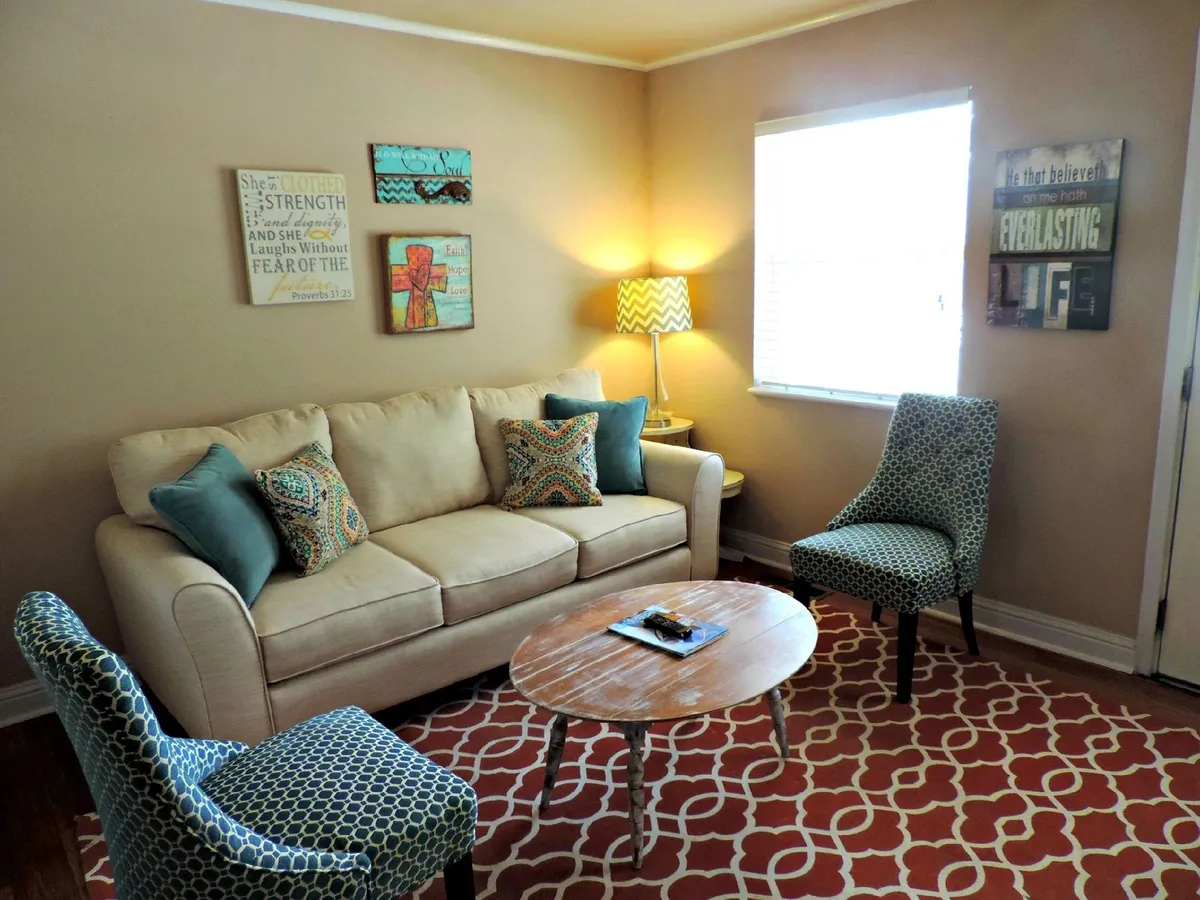
A meaningful living room refresh—new paint, light fixture, rug, and curtains—is achievable for $600–$1,500 when you plan with AI visualization first. The renders tell you whether your existing sofa and furniture can be worked around or needs replacing. See realistic living room renovation costs for full-scope remodels.
Kitchen Facelift
A budget kitchen update without cabinet replacement: paint existing cabinets ($50–$80 in chalk paint or cabinet-specific formula), swap hardware ($150–$400 total), add a new pendant over the island ($80–$250), and replace the faucet ($120–$300). Total investment: $400–$1,000 for a transformation that most people would assume cost $5,000+. Explore kitchen renovation costs if a full remodel is the goal.
Bedroom Makeover
The bedroom's highest-impact change is almost always bedding and headboard. A quality duvet cover set ($80–$200 from Brooklinen, Parachute, or Coyuchi), combined with repositioned furniture and a new throw rug, changes the entire character of a bedroom. Paint an accent wall behind the bed for an additional $50–$80. Total for a compelling bedroom refresh: $300–$700.
Bathroom Update
Short of replacing the vanity, the most effective bathroom update combines a new mirror ($80–$250), updated hardware and towel bars ($60–$150), and fresh grout caulk ($15). If budget allows, a new vanity light fixture ($80–$200) transforms the space. See bathroom renovation costs for full-scope projects.
The Secondhand Strategy
Sourcing secondhand is the budget interior designer's most powerful tool—and AI visualization makes it dramatically more effective. Generate your render first, then use it as a shopping guide on Facebook Marketplace, Craigslist, OfferUp, and thrift stores. You know exactly what silhouette of sofa you need, what color of table will work, what scale of rug fits. Shopping without this reference is guesswork; shopping with a render is targeted.
Facebook Marketplace in particular has become a premium secondhand source in many markets. West Elm and CB2 furniture sells at 20–40 cents on the dollar; solid wood pieces from the 1980s and 1990s that AI renders can help you reimagine in the current space are often extraordinarily well-made at very low prices.
Phasing: How to Budget Over Time
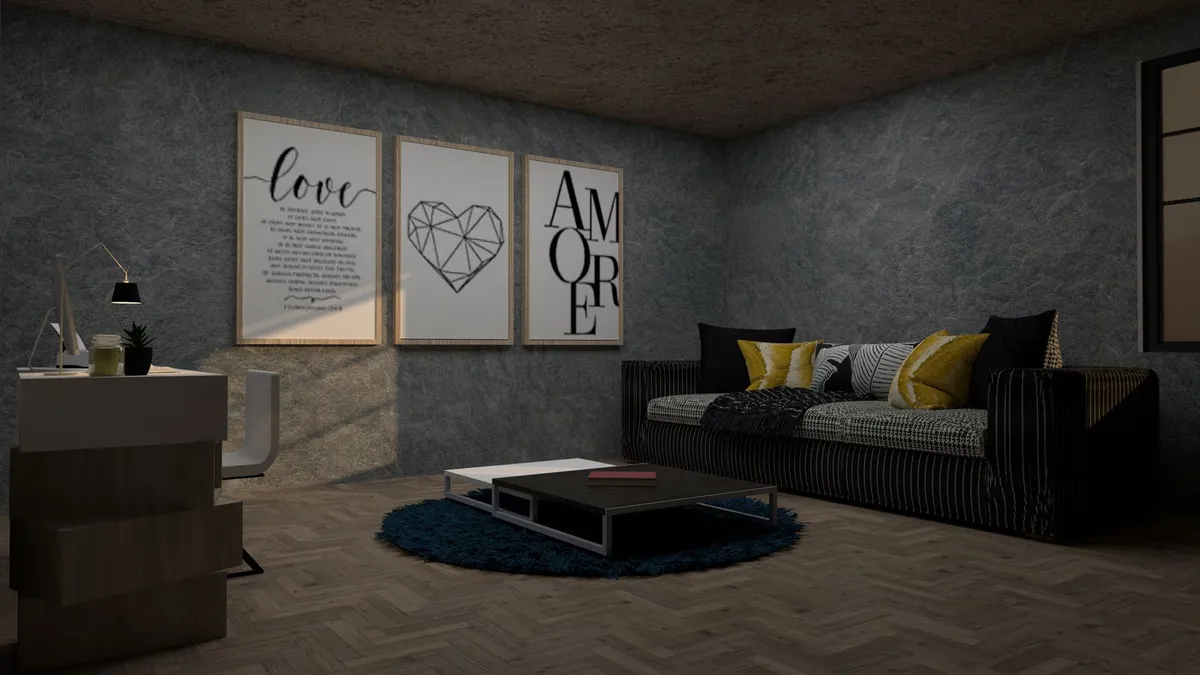
Most well-designed rooms don't happen all at once, and they don't need to. AI visualization lets you plan the complete end-state first, then execute in phases based on budget availability:
- Phase 1 (Month 1): Paint and lighting—the two highest-ROI investments that set the stage for everything else
- Phase 2 (Month 2–3): Area rug and window treatments, which define the room's proportion and warmth
- Phase 3 (Month 4–6): Key furniture pieces, sourced new or secondhand according to budget
- Phase 4 (Ongoing): Decorative accents, art, and finishing touches as budget allows
The render you generate at the start guides every phase. You're not improvising from phase to phase—you're executing toward a known destination. This is how professional designers work, scaled down to a budget approach.
Tools and Resources for Budget Design
The AI visualization step is available on RoomRenovation.AI's free render tool—one render at no cost to test the process before committing. Beyond that, useful budget tools include:
- Canva and IKEA's room planner for basic furniture layout before buying
- Paint chip apps (Behr ColorSmart, Sherwin-Williams ColorSnap) for preliminary color testing
- Google Shopping price alerts for tracking sales on specific pieces
- RoomRenovation.AI's examples gallery at /examples for before/after inspiration at realistic budget levels
FAQ
How much does a typical living room refresh cost using the AI-first approach? Most homeowners accomplish a meaningful living room refresh for $600–$2,000 using the AI visualization method, because they avoid expensive mistakes. Without visualization, the same scope often costs $2,500–$4,000 after accounting for returns, wrong-color repaints, and ill-fitting furniture.
What's the single best investment for a budget bedroom refresh? New bedding—a quality duvet cover set in a color your AI render confirms works with your existing walls and floors. It's the element with the highest visibility and the easiest return if you change your mind.
Can AI visualization help me decide whether to keep or replace existing furniture? Yes—this is one of its most valuable uses. Upload your room as-is and run a render that keeps the existing furniture in the scene. You'll quickly see whether a new rug and paint color can save the existing pieces or whether the furniture itself is the limiting factor.
Is budget interior design just making do with cheap things? Not at all. Budget interior design is strategic prioritization: identify the 2–3 elements with the highest visual impact, spend well on those, and source or skip everything else. AI visualization is what makes this precision possible.