
Before & After: 20 Stunning AI Room Transformations
See 20 incredible before and after AI room transformations. Real rooms redesigned in styles from minimalist to bohemian. Get inspired for your renovation.
RoomRenovation.AI Team
Updated March 12, 2026
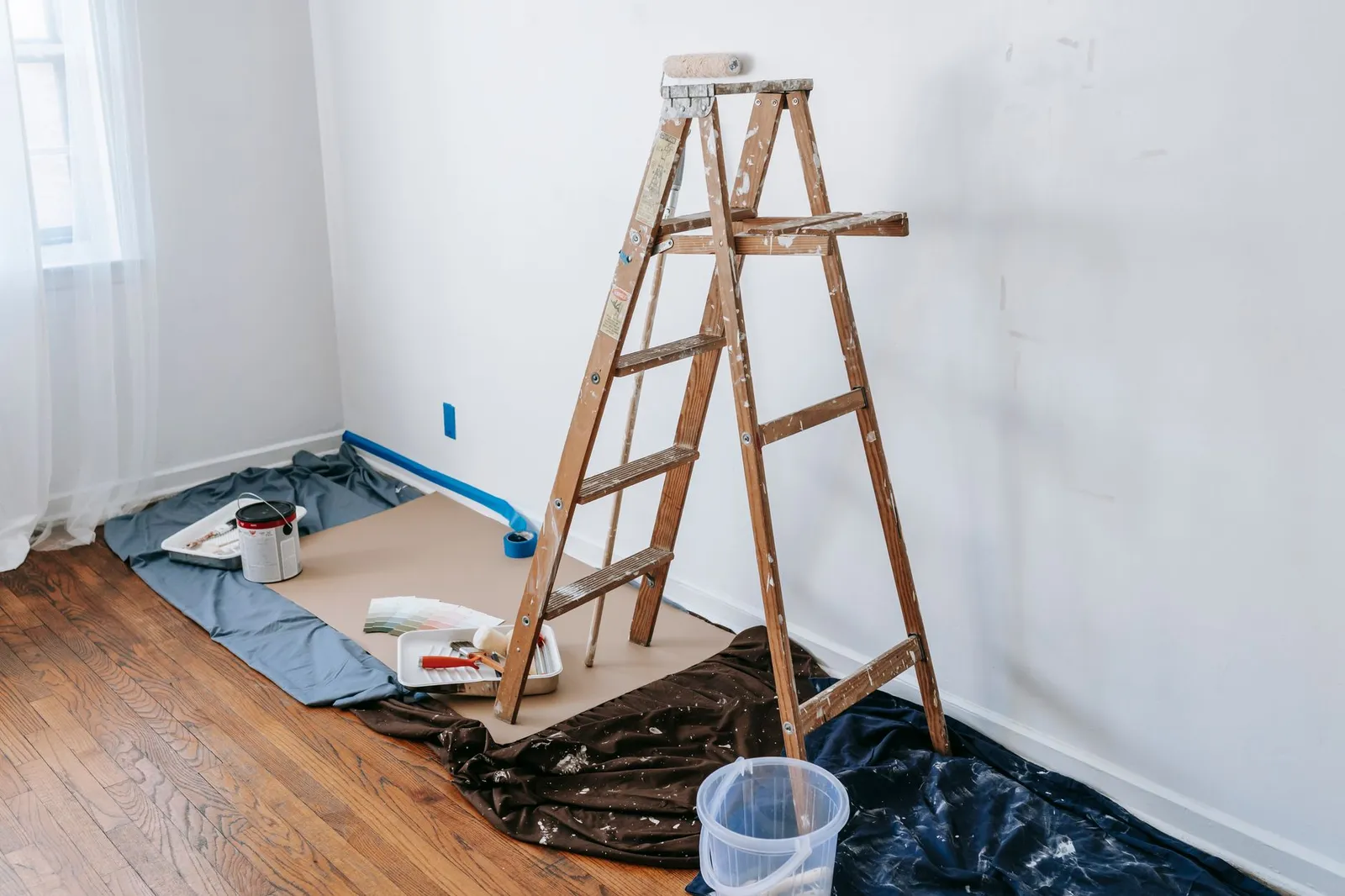
AI room transformations have moved from novelty to legitimate design planning tool — and the before-and-after results from real rooms prove why. These aren't staged showrooms or idealized renderings from scratch. They're actual uploaded room photos, processed through AI redesign tools that preserve the room's real architecture while visualizing an entirely different design direction. Here's what's possible across different room types, starting conditions, and style goals.
Why Before-and-After AI Renders Work So Well
The magic of upload-and-render AI tools is context preservation. The AI maintains your room's actual window placement, ceiling height, architectural details, and spatial proportions while applying new materials, finishes, and furniture. The result isn't a generic "what if" — it's a specific visualization of your space in a different design language.
This context-specificity is what separates modern AI redesign tools from earlier Pinterest-style inspiration approaches. You're not imagining how a beautiful living room might apply to your space; you're seeing your space transformed. That shift makes AI renders genuinely useful for making renovation decisions, not just generating mood.
Living Room Transformations
Cluttered Traditional to Scandinavian Minimalist
One of the most dramatic transformations available through AI redesign is taking an overcrowded traditional living room — heavy drapes, overstuffed furniture, busy area rug — and rendering it as a Scandinavian minimalist space. The AI strips visual weight, replaces upholstery with clean-lined linen sofas in natural tones, opens the window treatment to let in more light, and introduces the negative space that makes rooms feel larger without removing a single physical wall.
These renders consistently surprise homeowners because the simplified version of their room reveals how much space was always there, hidden beneath accumulated furniture and layered textiles.
Dark 1990s Den to Modern Open Living Space
Low ceilings, wood-paneled walls, and dated fireplace surrounds are one of the most requested transformation scenarios. AI renders in a modern minimalist style can show what the same room looks like with the paneling replaced by plaster, the fireplace surround updated to a minimalist concrete or stone treatment, and the lighting shifted from recessed ceiling fixtures to architectural LED strips and statement pendants.
Formal Sitting Room to Bohemian Living Space
Formal rooms with symmetrical furniture arrangements and neutral palettes transform dramatically into layered bohemian spaces when AI renders introduce texture, pattern, and organic form. The same room can contain floor cushions, macramé wall hangings, rattan furniture, and deep jewel-toned textiles in a render that shows exactly how those elements would interact with the existing light and architecture.
Kitchen Transformations
White Cabinet Kitchen to Industrial Loft
Standard white-cabinet, granite-countertop kitchens — enormously common in 2000s-era homes — transform convincingly into industrial style kitchens through AI renders that swap white cabinetry for matte black or dark olive-green, introduce exposed steel shelving, and replace granite with concrete or butcher block. The structural elements (island placement, window locations, appliance positions) remain accurate, making these renders genuinely useful for planning.
See our kitchen renovation cost guide for what these kinds of changes actually cost to execute.
Outdated 1970s Kitchen to Modern Farmhouse
Harvest gold, dark wood cabinets, and linoleum tile are among the most common "starting conditions" homeowners upload. AI renders show the same footprint transformed with shaker-style white cabinetry, subway tile backsplash, farmhouse sink, and warm wood accents — giving homeowners a clear target image for contractor conversations.
Bedroom Transformations
Teenage Room to Sophisticated Adult Bedroom
Transitional bedroom renders are among the most emotionally resonant transformations. The AI can show the same room — same windows, same closet placement — reinterpreted as a calm adult retreat with a platform bed, linen bedding, art-forward wall treatment, and layered bedside lighting. These renders often surface the potential that was always in the room but hidden beneath mismatched furniture and accumulated decor.
Beige Box to Luxe Bedroom
The generic beige-walls, beige-carpet bedroom is the most common starting point for bedroom renovation AI renders. Transformations into rich jewel-toned color schemes, dark accent walls, textured wallpaper, and upholstered headboards consistently surprise users who didn't realize how much drama their room's proportions and light could support. Explore bedroom design ideas for more inspiration across styles.
Bathroom Transformations
Builder-Grade to Spa Retreat
Standard builder-grade bathrooms — white subway tile, chrome fixtures, frameless mirrors over a vanity — are a strong candidate for AI transformation because the before is so universal. AI renders in spa-inspired styles introduce floor-to-ceiling stone tile, deep soaking tubs, matte black fixtures, and warm ambient lighting that changes the entire character of the room. Even small bathrooms render convincingly in these styles.
The full cost breakdown for realizing these changes is in our bathroom renovation cost guide.
Kids' Room and Nursery Transformations
Nursery to Toddler Room to Big-Kid Space
AI renders are particularly useful for parents planning ahead. A nursery designed for an infant can be rendered in a toddler-friendly configuration and then a school-age child's room — same space, same structural features, completely different design approach. The nursery renovation guide covers what these transitions cost in practice.
Most Dramatic Style Shifts
Based on transformation impact, these style switches consistently produce the most dramatic before-and-after results:
- Traditional/cluttered → Scandinavian minimalist (reveals space)
- Builder-grade neutral → Mediterranean warm (adds character and depth)
- Formal traditional → Bohemian eclectic (introduces energy and warmth)
- Dark 1980s–1990s → Contemporary bright (modernizes and lightens)
- Generic suburban → Industrial/loft (adds architectural drama)
How to Get the Best Results from Your Transformation
A few practical tips from users who get the most useful renders:
- Shoot your room in natural daylight — AI tools read light conditions from the photo and will simulate new materials more accurately with good natural light
- Include as much of the room as possible — wide-angle shots give the AI more architectural context to work with
- Declutter before shooting — the AI handles clutter but produces cleaner, more useful renders from photos where the architecture reads clearly
- Generate at least 3–4 style variations — some styles will read better with your specific room's proportions and light than others
Try your first transformation at roomrenovation.ai/free-room-render — no credit card needed. For ongoing renovation planning across multiple rooms and styles, see the pricing page for plan options starting at just a few dollars.
FAQ
Do AI room transformations work on any room type? Yes. Living rooms, kitchens, bedrooms, bathrooms, home offices, nurseries, basements, and outdoor spaces all render effectively. The AI adapts to any room's architecture and existing lighting conditions.
How accurate are AI renders compared to the finished renovation? AI renders are visualization tools, not architectural drawings. Material colors, textures, and proportions are represented accurately enough for decision-making, but exact match to a completed renovation depends on how closely you source materials to the AI's interpretation.
Can I use an AI render to show a contractor what I want? Absolutely — this is one of the most practical applications. AI renders communicate design intent, finish direction, and style goals far more clearly than verbal descriptions or Pinterest boards.
How many transformations should I generate before deciding on a direction? Most design professionals recommend generating 5–8 variations across different styles before narrowing down, then refining within your chosen direction with additional renders.