
AI Room Renovation: The Complete Guide for 2026
Learn everything about AI room renovation in 2026. How it works, what it costs, and how to use AI tools to visualize your dream home before spending a dollar.
RoomRenovation.AI Team
Updated January 15, 2026
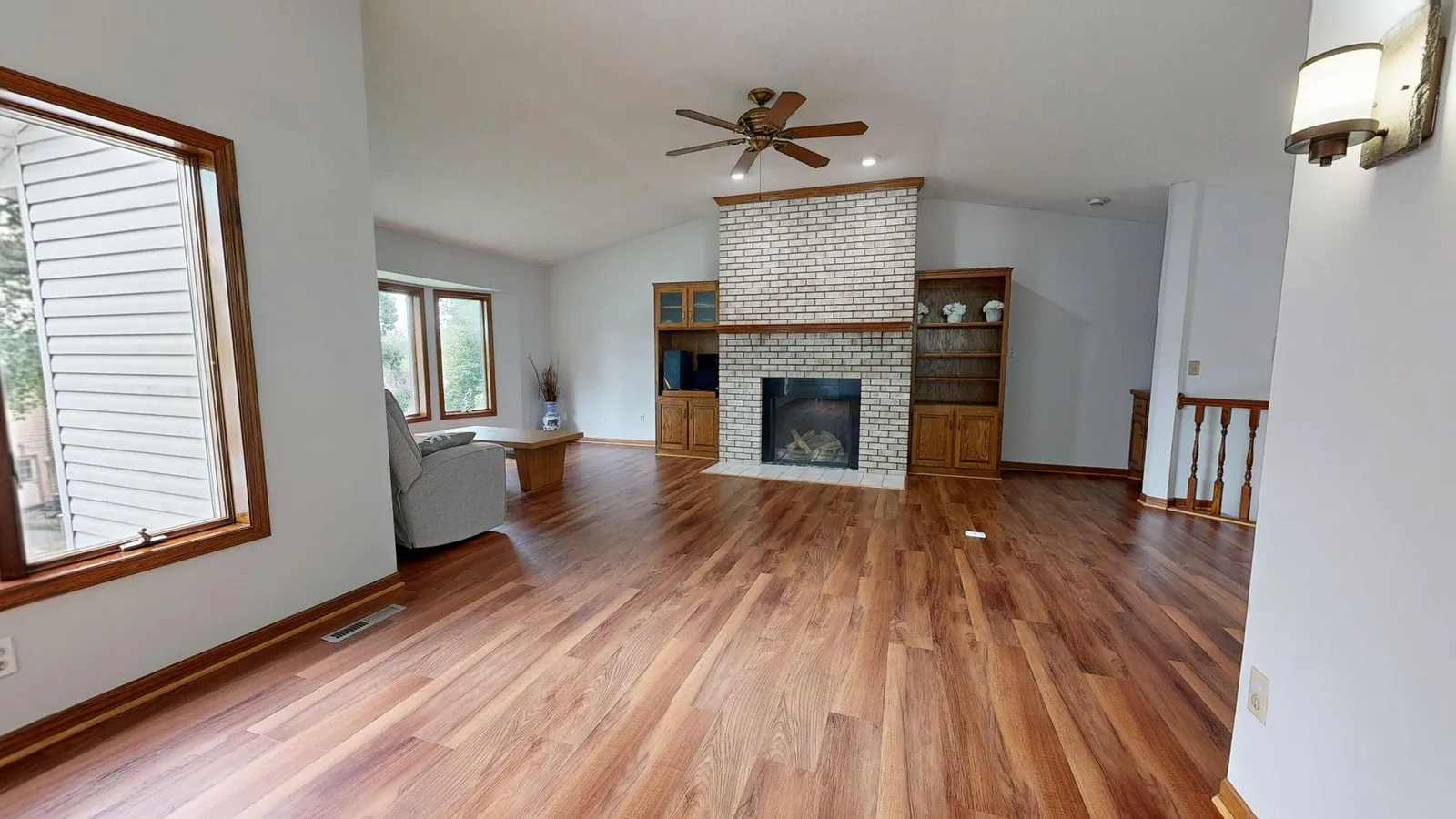
AI room renovation has fundamentally changed how homeowners plan redesign projects — instead of committing thousands of dollars to contractors and hoping the result matches your vision, you can now generate photorealistic transformations of your actual room in under 30 seconds. This complete 2026 guide covers how the technology works, what it realistically costs, which use cases deliver the most value, and how to get results worth acting on.
What AI Room Renovation Actually Does
AI room renovation tools analyze a photograph of your existing space and render what it would look like redesigned in a different style, color palette, or furniture arrangement. The best platforms use diffusion-based image models trained on hundreds of thousands of professional interior photographs, which is why the output looks genuinely photorealistic rather than cartoonish or obviously AI-generated.
The technology excels at:
- Visualizing complete style transformations — from cluttered traditional to clean Scandinavian minimalism, for example
- Showing how different paint colors interact with your actual light conditions and architectural features
- Previewing furniture swaps, flooring changes, and fixture replacements at scale
- Generating multiple design directions quickly so you can compare options side by side
What AI does not replace: structural engineering assessments, contractor material quotes, or the contextual judgment an experienced designer brings to awkward floor plans. Think of AI as the visualization layer — the "what if" engine that helps you commit with confidence before you spend.
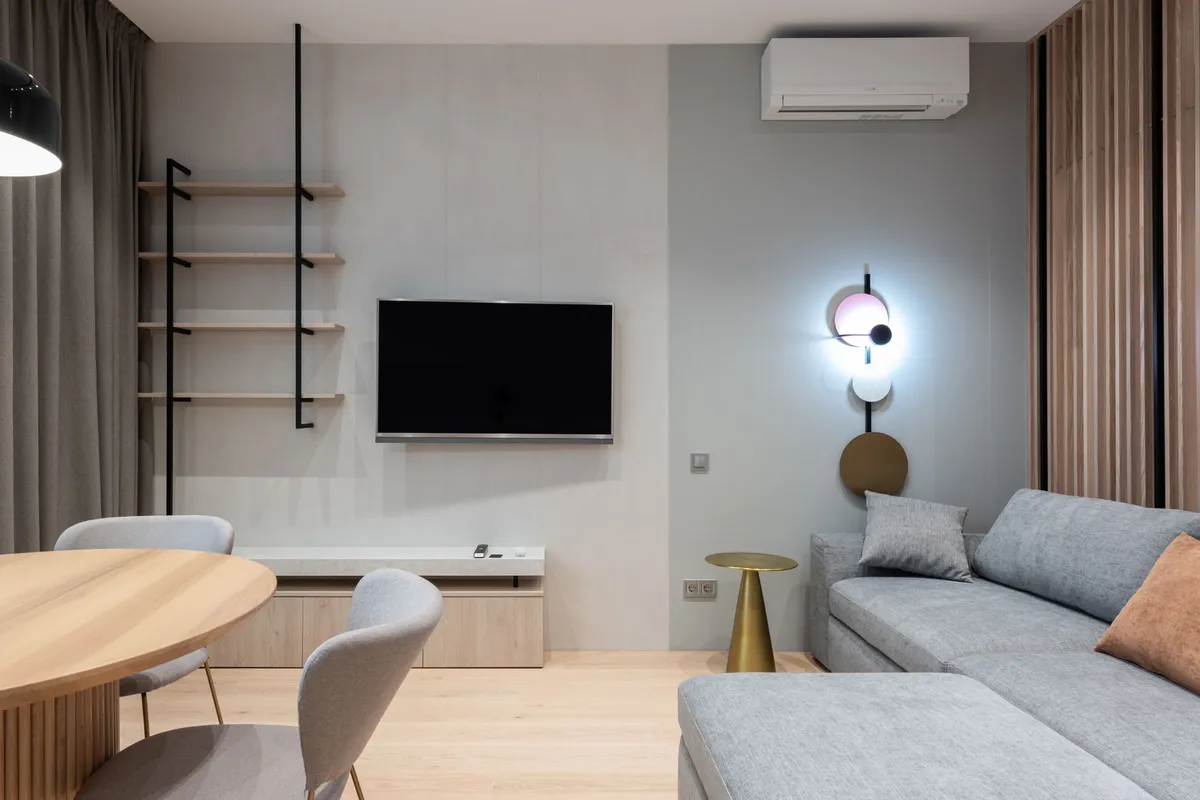
How AI Room Design Tools Work: Step by Step
Most AI renovation platforms follow a consistent workflow:
- Upload a photo. A well-lit, wide-angle shot works best. Natural daylight or even, consistent artificial light produces sharper results than a single harsh lamp.
- Choose a style or write a prompt. Most tools offer named presets (Modern, Scandinavian, Industrial, Bohemian, Japandi, and 20+ more) and accept custom text instructions — for example, "warm oak floors, deep navy walls, mid-century sofa" gives the model much more to work with.
- Generate renders. Processing typically takes 15–60 seconds and returns one or more redesigned images.
- Iterate. Adjust style intensity, swap accent colors, or try a completely different direction until you find something worth pursuing.
- Share or save. Download high-resolution renders to show contractors, share with family, or build a project mood board.
Ready to try it on your own room right now? Get a free AI render at RoomRenovation.ai — no design experience needed, no credit card required for the first render.
The Real Cost of AI Renovation Tools in 2026
Pricing has become remarkably accessible. Most AI room design tools fall into three tiers:
- Free tier: A handful of renders per month, lower resolution, sometimes watermarked. Useful for experimenting before committing.
- Pay-per-render: Typically $0.50–$2.00 per high-quality render. Ideal if you have one or two rooms to redesign and don't need a subscription.
- Subscription plans: $10–$30/month for unlimited or high-volume renders, multiple rooms, team sharing, and priority processing.
Compare that to traditional interior design consultation fees — commonly $150–$500 per hour for a certified designer — and the value proposition is clear. See RoomRenovation.ai's current pricing for a detailed breakdown of what each tier includes.
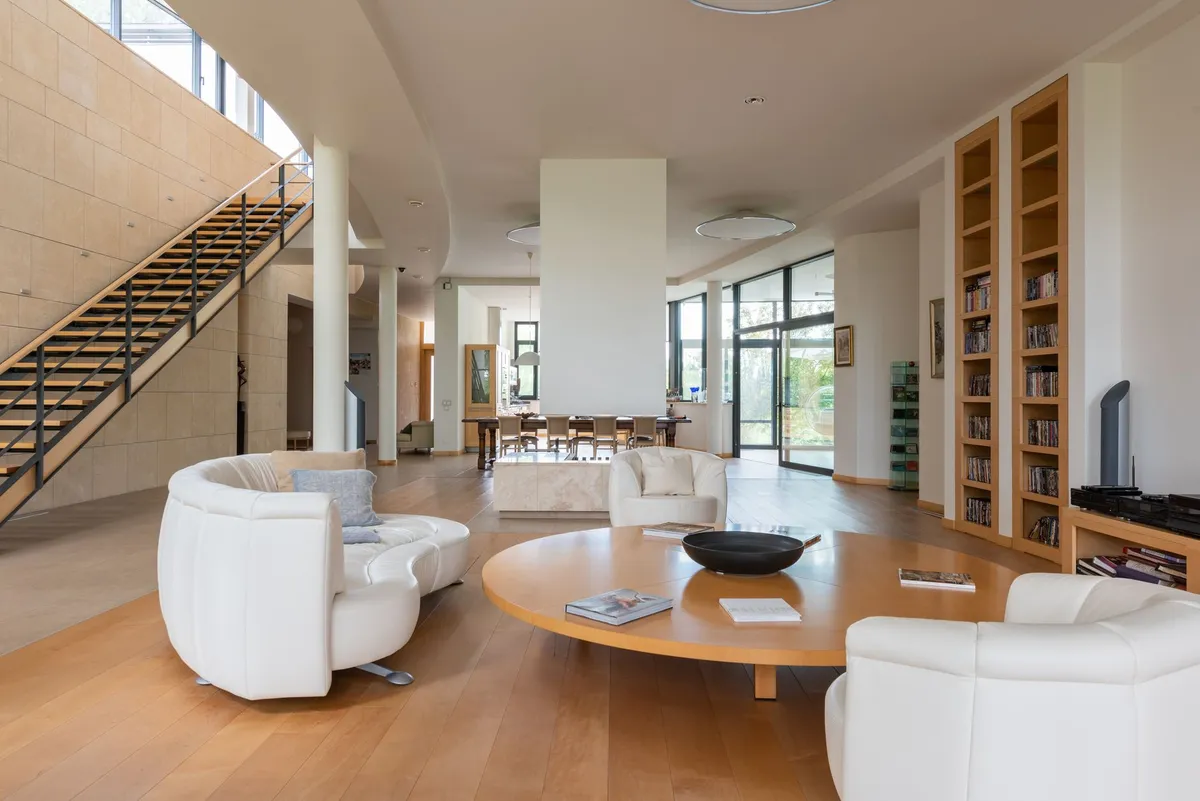
Best Use Cases for AI Room Renovation
Full Room Redesigns
The obvious starting point: you're tired of your living room, bedroom, or kitchen and want a significant change. AI lets you test five completely different design directions in an hour — a process that would previously require hiring a designer and waiting weeks for concept boards.
Pre-Purchase Visualization
Buying a house or investment property and trying to see past dated finishes? Upload photos from the listing and run them through different design styles. This is especially powerful for fixer-uppers where the bones are good but the aesthetics are outdated.
Furniture Shopping Confidence
Found a sofa you love but can't picture it in your specific room? AI tools let you describe or reference the piece and see it rendered against your actual wall color and flooring. This dramatically reduces expensive return rates and buyer's remorse.
Contractor Communication
Showing a contractor a rendered image reduces misunderstandings, produces more accurate quotes, and shortens the back-and-forth design approval cycle. Verbal descriptions of "something warm and modern" leave too much room for interpretation.
Virtual Staging for Sale
Homeowners preparing to sell can use AI renders to stage empty or dated spaces, giving buyers something aspirational to react to. Read more in our dedicated virtual home staging guide.
Choosing the Right AI Tool for Your Project
Not all AI room renovation tools produce equivalent results. Key factors to evaluate:
- Style variety: Does the tool cover your target aesthetic? Look for at least 20–30 named styles with real example outputs, not just a list.
- Architectural fidelity: The best tools preserve your room's structural features — window placement, ceiling height, built-in fixtures — rather than generating a generic pretty room that ignores your actual space.
- Resolution: You need at least 1024×768 pixels to share renders credibly with contractors or print for a mood board.
- Iteration speed: Turnaround under 30 seconds fundamentally changes how you explore ideas — you'll generate 10× more options.
- Privacy policy: Understand what happens to your home photos. Reputable platforms don't use uploads for model training without explicit opt-in consent.
RoomRenovation.ai offers 30+ curated styles, high-resolution output, and renders in under 20 seconds. Start designing your room here.
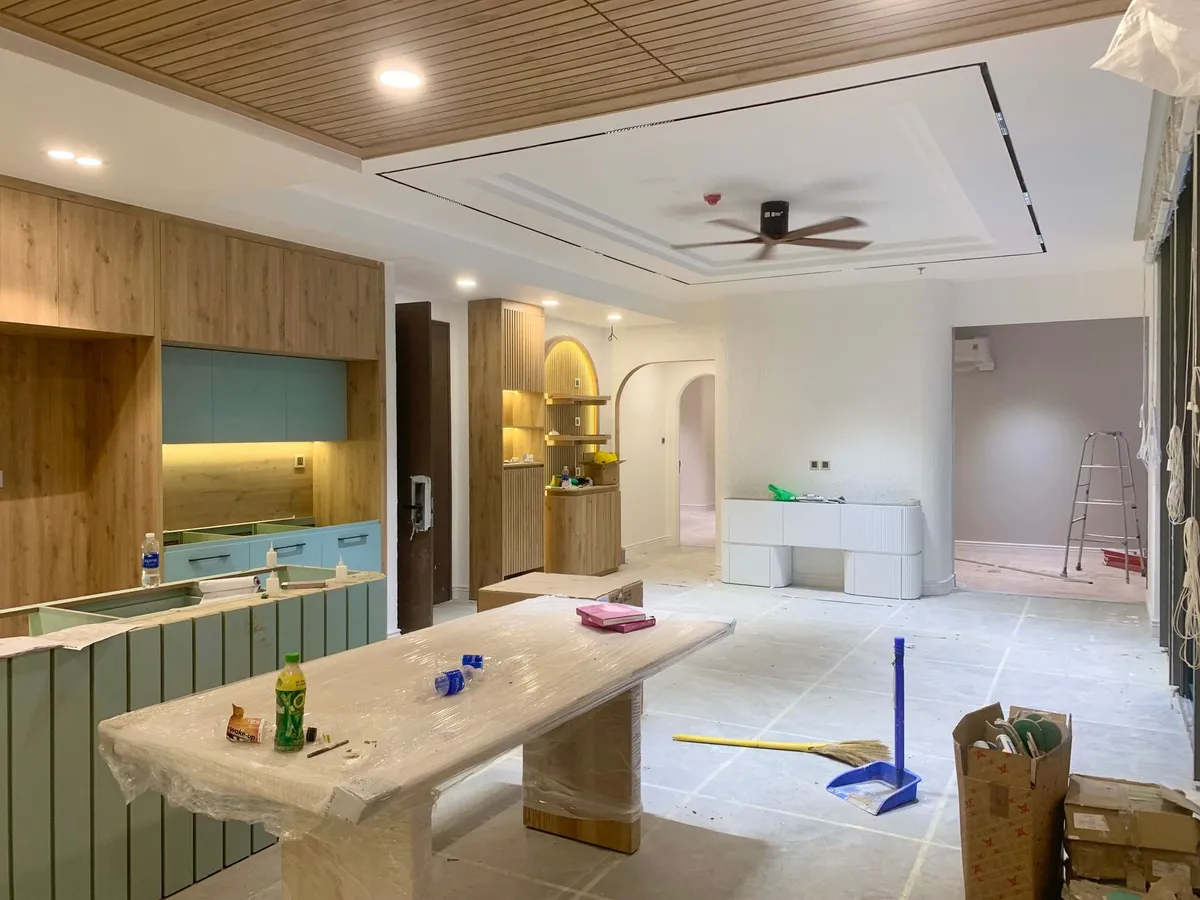
Practical Tips for Better AI Renovation Results
- Shoot in landscape orientation and include as much of the room as possible. Extreme close-ups or portrait shots limit what the AI can work with.
- Shoot during the day. Natural, even light helps the model read spatial depth and existing colors accurately. Single-lamp evening shots often confuse the model about which surfaces are which.
- Clear visual clutter from your shot before uploading. The AI works with whatever is in the frame — a cleaner baseline produces a cleaner result.
- Write specific prompts. "Warm Scandinavian bedroom with oat linen bedding, light oak bed frame, single fiddle-leaf fig" produces far better results than "Scandinavian bedroom."
- Generate at least 3–4 variations per style before moving on. AI outputs vary stochastically — the best result is rarely the first one.
Combining AI Visualization With a Real Renovation Plan
The smartest renovation approach in 2026 uses AI as the front end of a human-led process. Start with AI to narrow your direction from five competing ideas to one clear winner, then bring in a professional designer or contractor to refine the details, source materials accurately, and execute. This hybrid approach reduces wasted consultation time, speeds up material selection, and produces renovations that homeowners are more satisfied with because they actually saw the outcome before spending.
For bigger projects, pair AI renders with real cost research. Our guides on kitchen renovation costs and bathroom renovation costs give you the budget context to make your AI visualizations actionable.
FAQ
Can AI room renovation tools handle any type of room? Most tools work well with living rooms, bedrooms, and kitchens. Results can be less consistent with very unusual layouts, extremely dark spaces, or rooms with complex multi-source lighting. A clear, well-lit photo dramatically improves accuracy across all room types.
Do I need design experience to use these tools? No. The best AI renovation platforms are designed for homeowners with zero design background. You pick a style preset, upload a photo, and the AI handles the rest. Custom text prompts let more experienced users push the output further.
How accurate are AI renders compared to a finished renovation? The renders are stylistically accurate — they show the correct mood, palette, and general furniture arrangement. They're not architectural drawings, so exact dimensions and specific material textures will differ from what you actually purchase. Always verify furniture dimensions against your floor plan measurements.
Can I use AI renders to show a contractor what I want? Yes — and this is one of the most practical applications. A rendered image communicates your vision far more precisely than a verbal description, and most contractors appreciate having a visual reference. Pair it with a written spec list for best results.
Is RoomRenovation.ai free? There's a free render available with no credit card required. Paid plans provide higher volume, higher resolution, and additional features. Check the current pricing page for details.